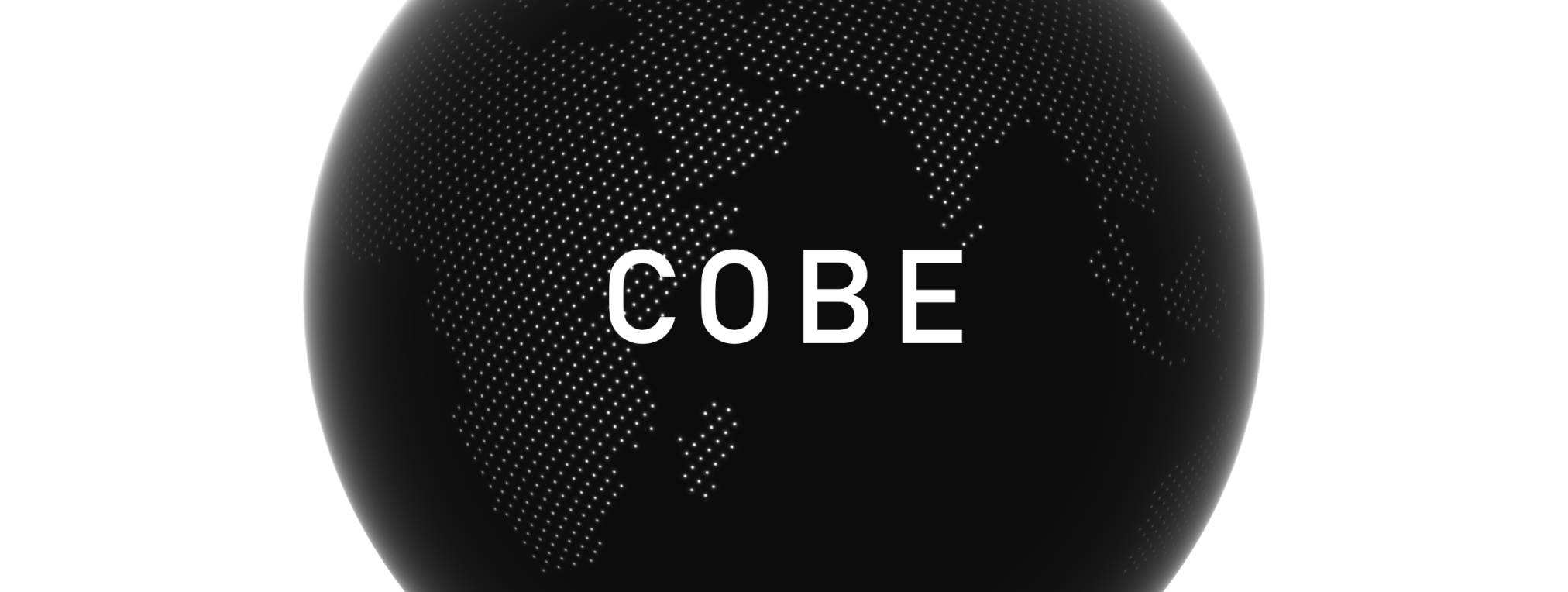
Use any DOM element as bindable markers.
CSS transitions, animations, filters, interactivity, all just work.
High perf, zero deps, ~5KB.
Quick Start
<canvas
  id="cobe"
  style="width: 500px; height: 500px;"
  width="1000"
  height="1000"
></canvas>import createGlobe from 'cobe'
let phi = 0
let canvas = document.getElementById("cobe")
const globe = createGlobe(canvas, {
devicePixelRatio: 2,
width: 1000,
height: 1000,
phi: 0,
theta: 0,
dark: 0,
diffuse: 1.2,
scale: 1,
mapSamples: 16000,
mapBrightness: 6,
baseColor: [0.3, 0.3
Arcs
Arcs connect two locations on the globe:
arcs: [
  {
    from: [37.7595, -122.4367],
    to: [35.6762, 139.6503],
    color: [1, 0.5, 0.5], // optional, uses arcColor if not set
  },
]Bindable Markers & Arcs
Markers and arcs can have an id property for CSS Anchor Positioning:
markers: [
  { location: [37.7595, -122.4367], size: 0.03, id: 'sf' },
],
arcs: [
  { from: [37.7595, -122.4367], to: [35.6762, 139.6503], id: 'sf-tokyo' },
].marker-label {
position: absolute;
position-anchor: --cobe-sf;
bottom: anchor(top);
left: anchor(center);
opacity: var(--cobe-visible-sf, 0);
filter: blur(calc((1 - var(--cobe-visible-sf, 0)) * 8px));
transition: opacity 0.3s, filter 0.3s;
}
.arc-label {
position: absolute
The globe exposes:
--cobe-{id}/--cobe-arc-{id}— CSS anchor names for positioning--cobe-visible-{id}/--cobe-visible-arc-{id}— visibility variable (0 when behind globe, 1 when visible)
Use the visibility variable to drive opacity, blur, scale, or any CSS property for smooth transitions.
Acknowledgment
This project is inspired & based on the great work of:
- Spherical Fibonacci Mapping, Benjamin Keinert et al.
- https://www.shadertoy.com/view/lllXz4, Inigo Quilez
- https://github.blog/2020-12-21-how-we-built-the-github-globe
- https://github.com/vaneenige/phenomenon
- https://github.com/evanw/glslx
World map asset from:
License
The MIT License.