contents
evolui
A tiny reactive user interface library.


Features
- Async — evolui magically understands
ObservablesandPromises. Just put them where they need to be displayed and, when they update, your UI will be refreshed for you. - Virtual DOM — evolui has a fast virtual DOM diffing algorithm and do the less work possible by only updating the closest node from the values that changed.
- Components — You can build large applications by splitting its complexity inside encapsulated and predictable components.
- Tiny — The API surface is very small and the whole library is only
4kBgziped.
Install
npm install evolui rxjsExamples
To jump to the code, visite the example folder.
Getting Started
Promises
import html, { render } from 'evolui'
const delay = ms => new Promise(resolve => setTimeout(resolve, ms))

render(
  html`
    <p>
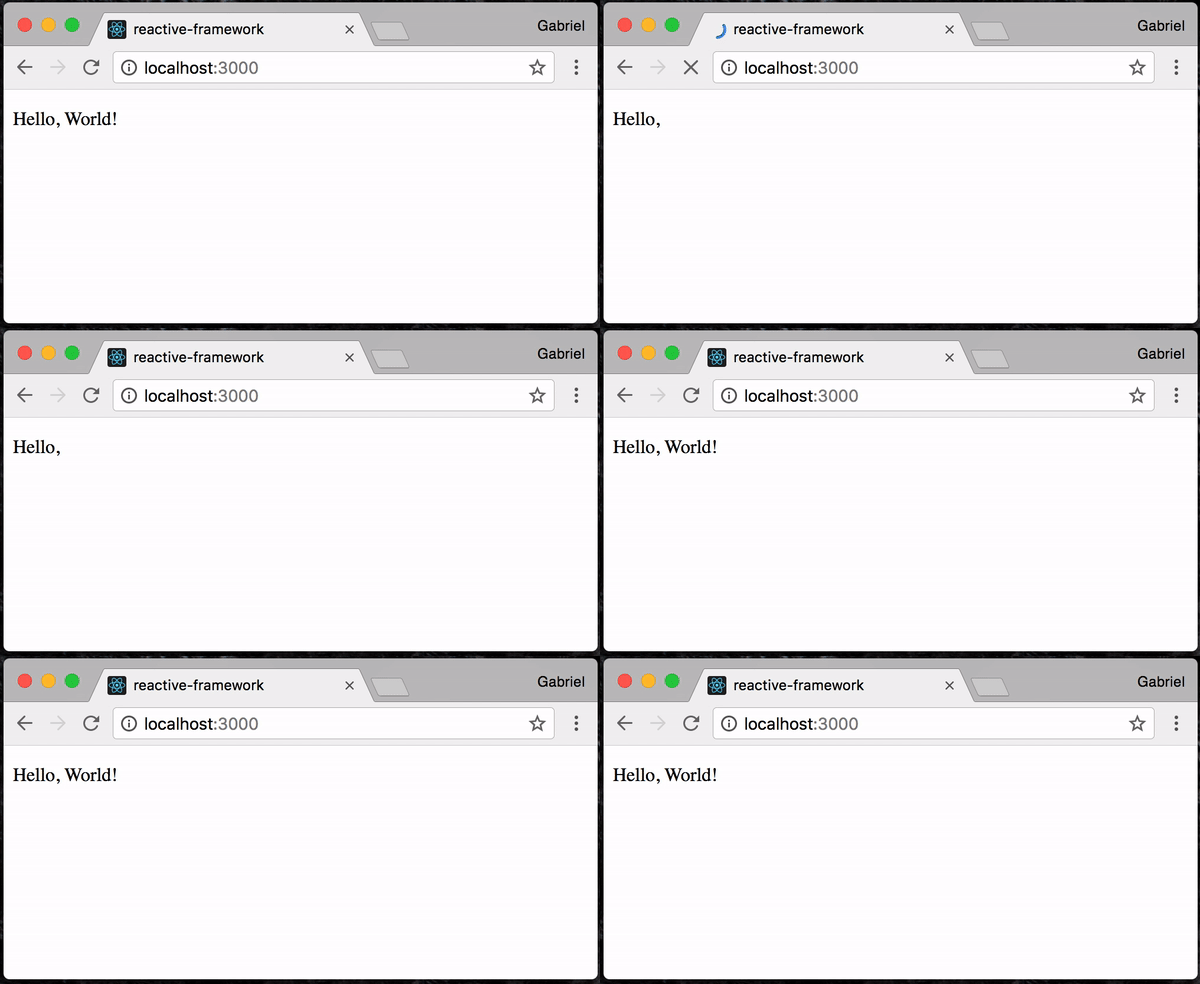
      Hello, ${delay(1000).then(() => 'World!')}
    </p>
  `,
  document.querySelector('#mount')
)
Observables
import html, { render } from 'evolui'
import { interval } from 'rxjs'
import { take, map } from 'rxjs/operators'

render(
  html`
    <p>
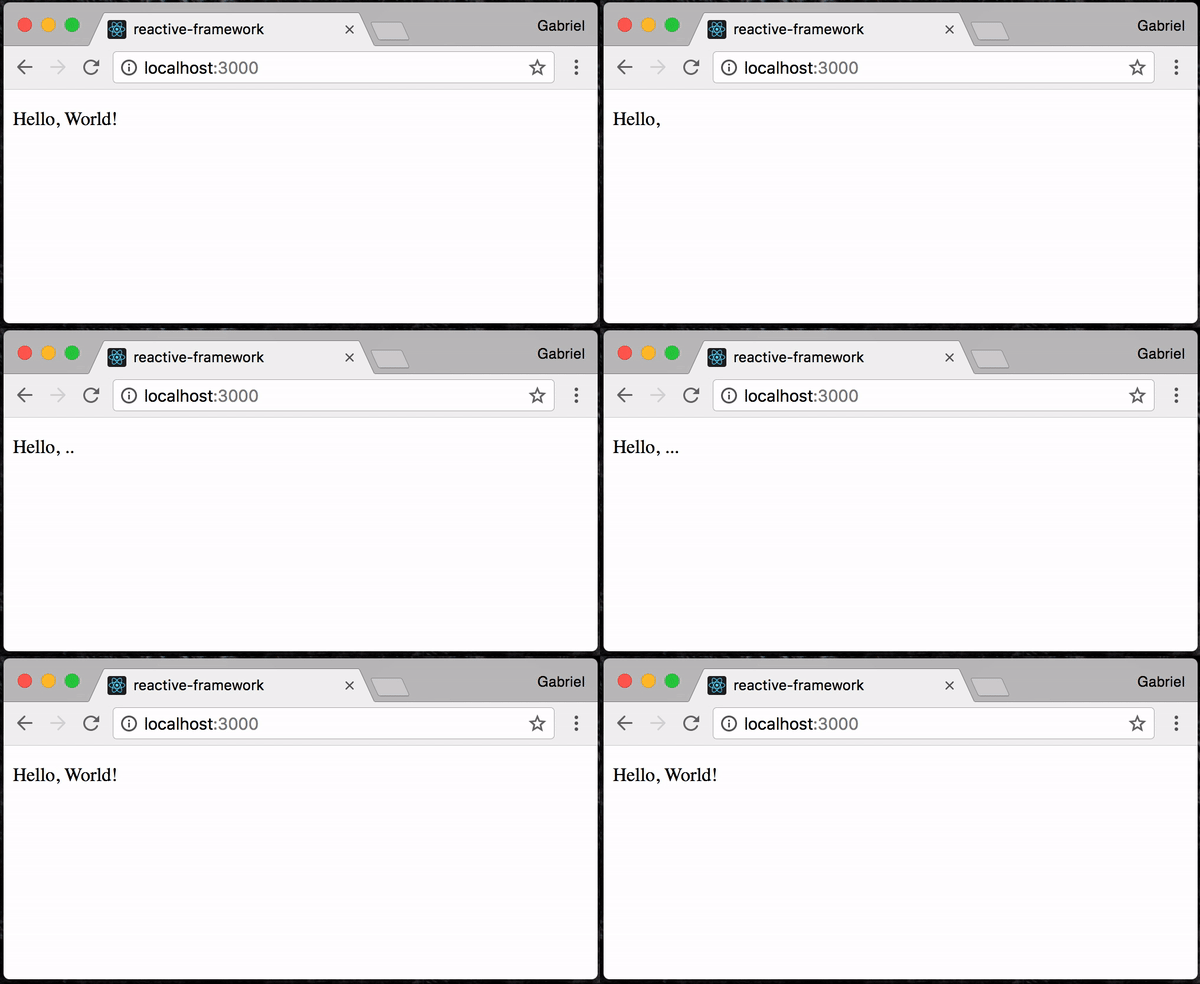
      Hello, ${interval(1000).pipe(
        take(4),
        map(index => ['.', '..', '...', 'World!'][index])
      )}
    </p>
  `,
  document.querySelector('#mount')
)
Simple App
import html, { render } from 'evolui'
import { createState } from 'evolui/extra'

const Counter = () => {
  const state = createState({ count: 0 })

  return html`
    <div>
      count: ${state.count}
      <button onClick=${() => state.count.set(c => c - 1)}>-</div>
      <button onClick=${() => state.count.set(c => c +
Concept
The main goal of evolui is to make dealing with observables as easy as dealing with regular values.
Observables are a great way to represent values that change over time. The hard part though is combining them. This is where evolui comes in handy. It understands any combination of Arrays, Promises and Observables, so you never have to worry about the way you should combine them before putting them inside your template.
import html from 'evolui'
import { from } from 'rxjs'
import { startWith } from 'rxjs/operators'

const getCharacterName = id =>
  fetch(`https://swapi.co/api/people/${id}`)
    .then(res => res.json())
    .then(character => character.name)

html`
  <div>
    ${'' /* this will return an array of observables. */}
    ${'' /* Don't panic! evolui understands that as well */}
    ${[1, 2, 3].map(

Components
Evolui lets you organize your code in components.
Components are defined as a simple function of Observable Props -> Observable VirtualDOM:
import html, { render } from 'evolui'
import { createState } from 'evolui/extra'
import { map } from 'rxjs/operators'

const Button = props$ =>
  props$.pipe(
    map(
      ({ text, onClick }) => html`
        <button class="Button" onClick=${onClick}>
          ${text}
        </button>
      `
    )
  )

const App = () => {
  const state = createState({ count: 0 })

  return html
children
Components can have children 👍
import html, { render } from 'evolui'
import { map } from 'rxjs/operators'

const CrazyLayout = map(({ children }) => html`<div>${children}</div>`)

render(
  html`
    <${CrazyLayout}>
      <p>I'm the content</p>
    </${CrazyLayout}>
  `,
  document.querySelector('#mount')
)Extra
Animations
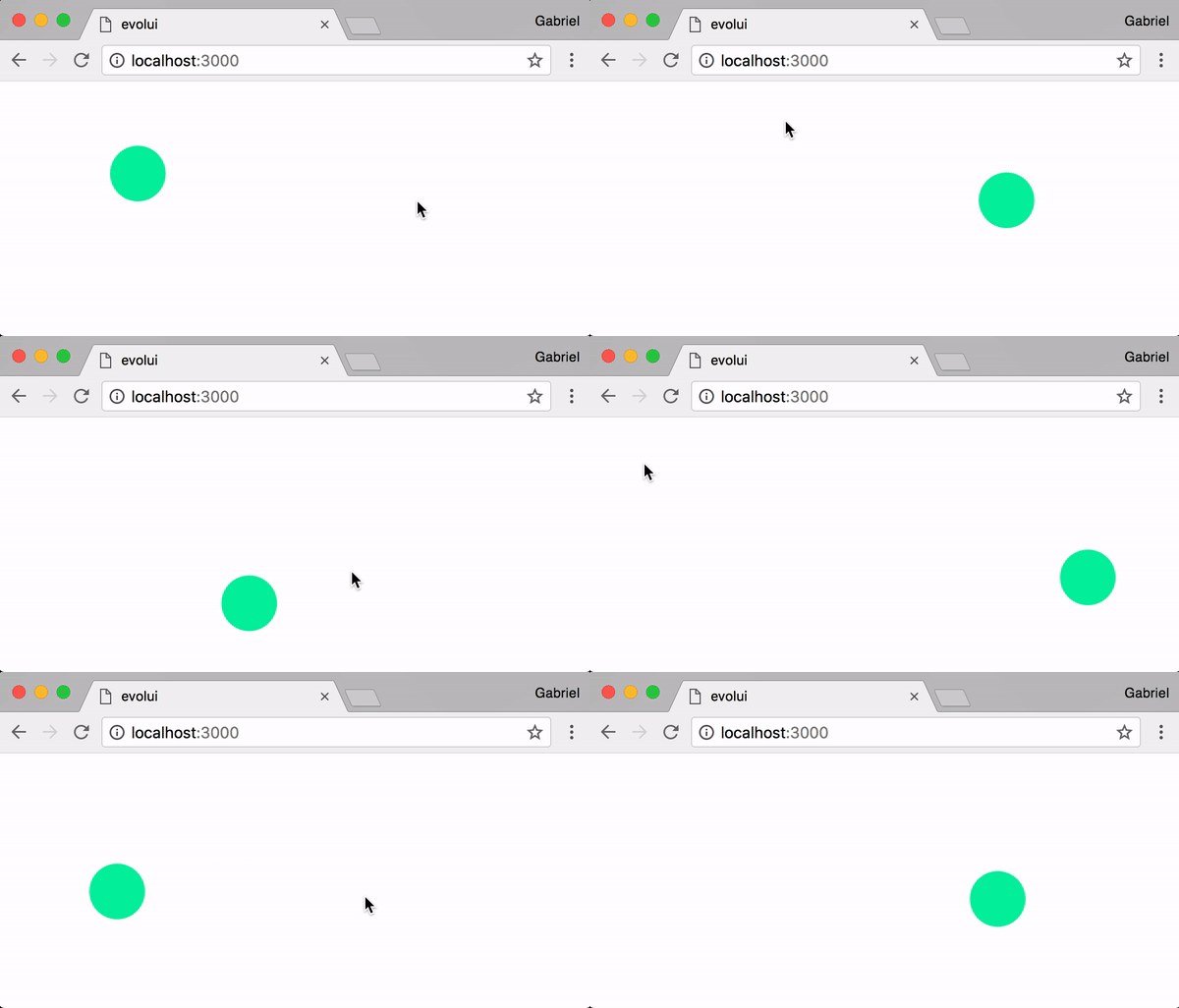
evolui/extra exports a spring animation helper called ease.
ease: (stiffness: number, damping: number, id: string?) => Observable<number> => Observable<number>You just have to pipe any of your observables to ease(<stiffness>, <damping>) to make it animated.
If you are interested in using this feature separately, check out rx-ease
import html, { render } from 'evolui'
import { ease } from 'evolui/extra'
import { fromEvent } from 'rxjs'
import { map, startWith } from 'rxjs/operators'

const stiffness = 120
const damping = 20

const style$ = fromEvent(window, 'click').pipe(
  map(() => ({ x: e.clientX, y: e.clientY })),
  startWith({ x: 0, y: 0 }),
  ease({
    x: [stiffness, damping],
    y: [stiffness, damping],
  }),
  map({ x, y }) => ({
For single values, you can pass the stiffness and damping directly
import html, { render } from 'evolui'
import { ease } from 'evolui/extra'
import { interval } from 'rxjs'
import { map } from 'rxjs/operators'

render(
  html`
    <div style="width: ${interval(1000).pipe(
      map(i => i * 50),
      ease(120, 20)
    )}px" />
  `,
  document.querySelector('#mount')
)API
text :: TemplateLiteral -> Observable String
import { text } from 'evolui'

const style$ = text`
  position: absolute;
  transform: translate(${x$}px, ${y$}px);
`html :: TemplateLiteral -> Observable VirtualDOM
import html from 'evolui'

const App = () => html`
  <div style="${style$};" />
`render :: Observable VirtualDOM -> DOMNode -> ()
import { render } from 'evolui'

render(html`<${App} />`, document.querySelector('#mount'))ease :: (Number, Number) -> Observable Number -> Observable Number
import { ease } from 'evolui/extra'
import { interval } from 'rxjs'

interval(1000).pipe(
  ease(120, 20),
  subscribe(x => console.log(x)) // every values will be interpolated
)createState :: Object -> State
Create an object of mutable reactive values.
Each key on your initial state will be transformed into a stream, with a special set method on it.
set can take either a value or a mapper function.
import html, { render } from 'evolui'
import { createState } from 'evolui/extra'

const state = createState({ count: 0 })

console.log(state.count)
// => Observable.of(0)

const reset = () => state.count.set(0)
const add1 = () => state.count.set(c => c + 1)

render(
  html`
    <div>
      count: ${state.count}
      <button onClick=${reset}>reset</button>
all :: [Observable a] -> Observable [a]
import { all } from 'evolui/extra'

const z$ = all([x$, y$]).map(([x, y]) => x + y)Lifecycle
- mount — after the element as been rendered
- update — after the dom element as been update
- unmount — before the dom element is removed from the dom
html`
  <div
    mount="${el => console.log('mounted!', el)}"
    update="${el => console.log('updated', el)}"
    unmount="${el => console.log('will unmount!', el)}" />
`Contributing
If you find this interesting and you want to contribute, don't hesitate to open an issue or to reach me out on twitter @GabrielVergnaud!