lib-upgrader 
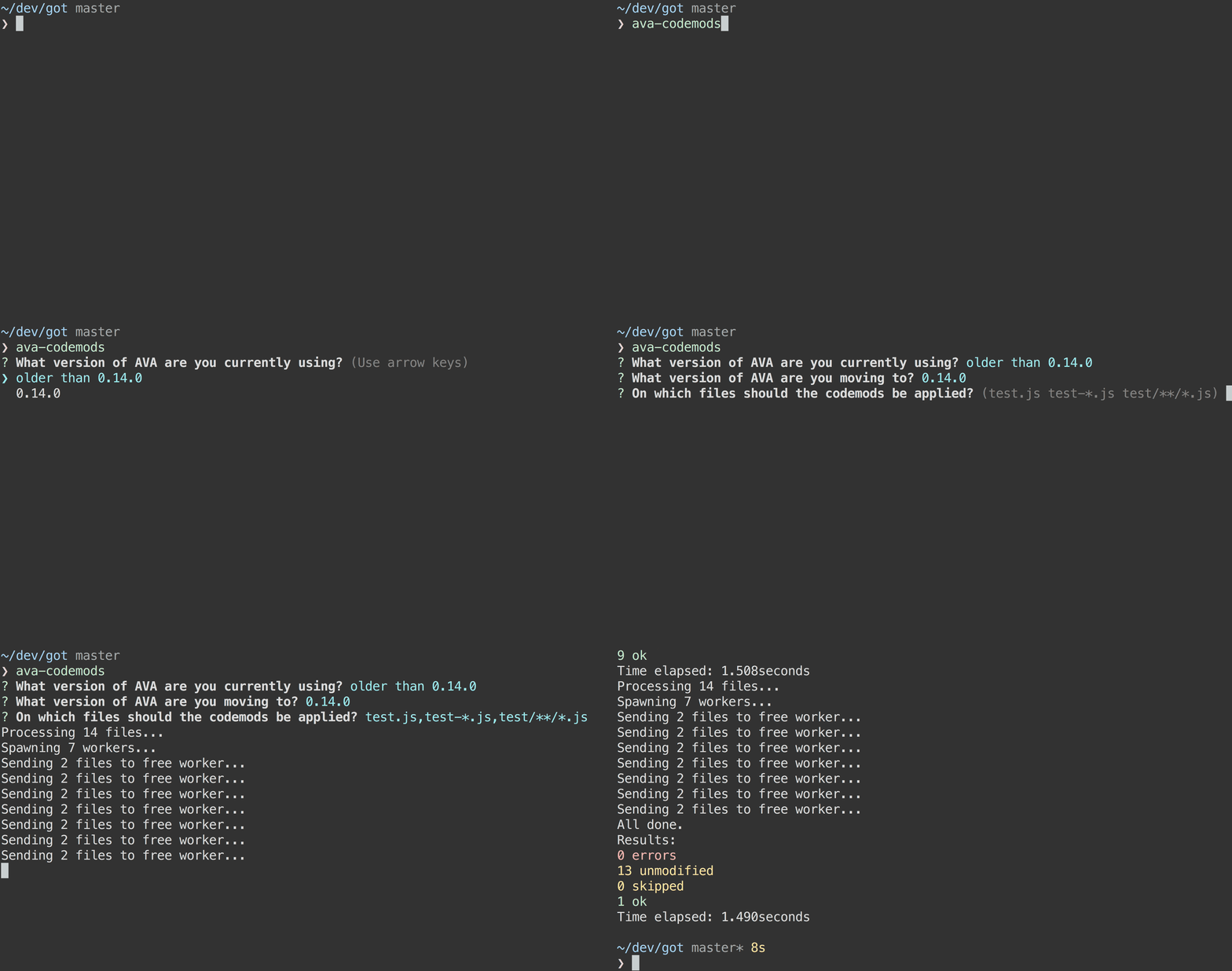
Codemods, or jscodeshift transforms, are small programs that help automate changes in a codebase. Think of them as search and replace on steroids. This tool helps you to create a simple CLI to apply the codemods that you wrote, so that users can easily upgrade their code between various releases of your library.
Install
$ npm install --save lib-upgrader jscodeshiftUsage
Create a cli.js file at the root of your project that will serve as your upgrader executable, and add this sample code (sample available here):
#!/usr/bin/env node
'use strict';

var upgrader = require('lib-upgrader');
var pkg = require('./package.json');
var releases = require('./releases.json');

upgrader({
	libraryName: 'Your library name',
	releases: releases,
	pkg: pkg,
	dirname: __dirname
});and create a releases.json file next to cli.js, which looks like the following (sample available here):
[{
	"version": "0.14.0",
	"transforms": [
		"path/to/transform/a.js",
		"path/to/transform/b.js"
	]
}, {
	"version": "0.15.0",
	"transforms": [
		"path/to/transform/c.js",
		"path/to/transform/d.js"
	]
}, {
	"version": "1.0.0",
	"transforms": [
		"path/to/transform/e.js",
		"path/to/transform/f.js"
	]
}, {
	"version": "2.0.0",
	"transforms": [
		"path/to/transform/g.js",
		"path/to/transform/h.js"
	]
Give execution right to your script
chmod +x scriptand you should now be able to run the cli using
./cli.jsUnless you committed your changes and your directory is clean, when you run it, the program will exit and ask you to either commit or stash your changes. You can force through it by adding --force to the command line.
License
MIT © Jeroen Engels