Please note that if a Fastify version is out of support, then so are the corresponding versions of this plugin
in the table above.
See Fastify's LTS policy for more details.
Usage
Add it with @fastify/swagger to your project with register, pass it some options, call the swagger API, and you are done!
Security note:apiKey in the security array is the name of the
security scheme declared in components.securitySchemes (OpenAPI 3) or
securityDefinitions (Swagger 2.0), not an API key value. The empty array
represents scopes and remains empty for API key authentication.
API
Register options
Options
Option
Default
Description
baseDir
undefined
Directory from which the Swagger UI static assets (served under <routePrefix>/static/) are loaded, instead of the static folder shipped with this plugin. Any other file in that directory is also served relative to routePrefix, e.g. spec files referenced via $ref. When not set, only the bundled Swagger UI assets are served. Provided value should be an absolute path without trailing slash. See Bundling.
The plugin will expose the documentation with the following APIs:
URL
Description
'/documentation/json'
The JSON object representing the API
'/documentation/yaml'
The YAML object representing the API
'/documentation/'
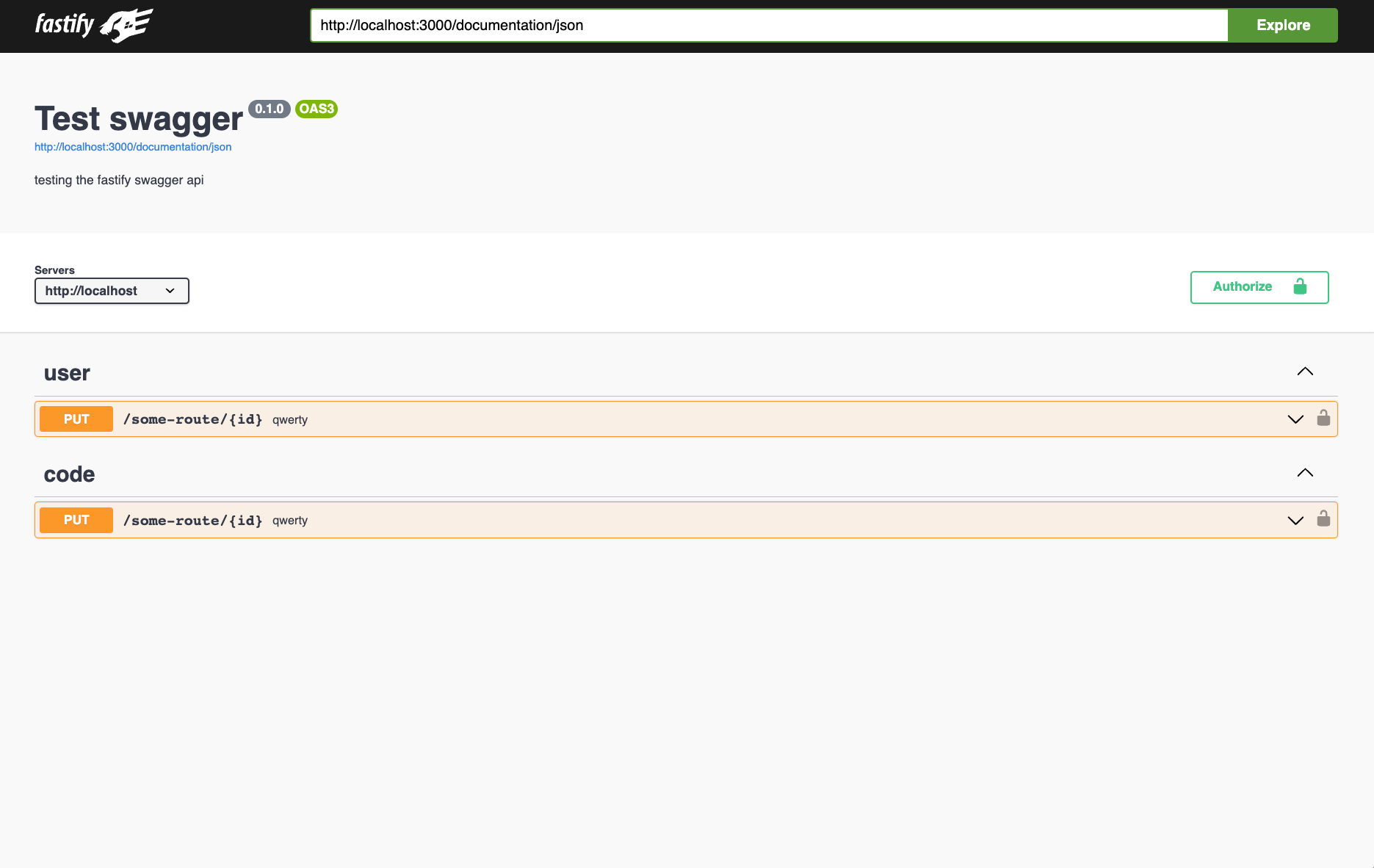
The swagger UI
'/documentation/*'
External files that you may use in $ref
uiConfig
To configure Swagger UI, you need to modify the uiConfig option.
It's important to ensure that functions are self-contained. Keep in mind that
you cannot modify the backend code within the uiConfig functions, as these
functions are processed only by the browser. You can reference the Swagger UI
element using ui, which is assigned to window.ui.
Example
const fastify = require('fastify')()await fastify.register(require('@fastify/swagger'))await fastify.register(require('@fastify/swagger-ui'), { uiConfig: { onComplete: function () { alert('ui has type of ' + typeof ui) // 'ui has type of object' alert('fastify has type of ' + typeof fastify) // 'fastify has type of undefined' alert('window has type of ' + typeof window) // 'window has type of object' alert('global has type of ' + typeof global) // 'global has type of undefined'
Multiple specifications
Swagger UI can show a "Select a definition" dropdown to switch between several specifications. Pass the urls option through uiConfig:
Each entry is fetched by the browser, so every URL must be reachable from the client (e.g. the spec exposed by this plugin, a file served from baseDir, another Fastify route or an external host). Prefer absolute paths: relative ones (e.g. ./json) are resolved against the page URL, so they only work when the documentation is opened with a trailing slash (/documentation/).
The dropdown is rendered by the topbar of the default StandaloneLayout, so it is not shown if uiConfig.layout is set to BaseLayout. Use urls.primaryName to choose which definition is selected on load:
The URLs are used as-is: if the server is exposed under an external path prefix (see Running behind a reverse proxy), include that prefix in each url (e.g. /service/documentation/json).
transformSpecification
There can be use cases, where you want to modify the swagger definition on request. E.g. you want to modify the server
definition based on the hostname of the request object. In such a case you can utilize the transformSpecification-option.
By default fastify.swagger() will be deepcloned and passed to the transformSpecification-function, as fastify.swagger()
returns a mutatable Object. You can disable the deepcloning by setting transformSpecificationClone to false. This is useful,
if you want to handle the deepcloning in the transformSpecification function.
You can protect your documentation by configuring an authentication hook.
Here is an example using the @fastify/basic-auth plugin:
Example
const fastify = require('fastify')()const crypto = require('node:crypto')await fastify.register(require('@fastify/swagger'))// perform constant-time comparison to prevent timing attacksfunction compare (a, b) { a = Buffer.from(a) b = Buffer.from(b) if (a.length !== b.length) { // Delay return with cryptographically secure timing check. crypto.timingSafeEqual(a, a) return false } return crypto.timingSafeEqual(a, b)}
Rendering models at the bottom of the page
To ensure that models are correctly rendered at the bottom of the Swagger UI page, it's important to define your schemas using $refs through fastify.addSchema. Directly embedding JSON schemas within the schema property of your route definitions in Fastify may lead to them not being displayed in Swagger UI.
validatorUrl
SwaggerUI can automatically validate the given specification using an online validator.
To enable this behavior you can pass the validatorUrl option
to this plugin which will be forwarded to SwaggerUI.
Note that this behavior is disabled by default in @fastify/swagger-ui.
Running behind a reverse proxy
When Fastify sits behind a proxy that strips a path prefix (e.g. NGINX serving your app under /service and forwarding /service/documentation as /documentation), the absolute links to the static assets rendered in the index page will not include the external prefix.
There are two ways to handle this:
open the documentation with a trailing slash (/service/documentation/): in this case the asset links are relative and work as-is;
set indexPrefix to the external prefix (indexPrefix: '/service'), so the generated links become /service/documentation/static/....
Bundling
To bundle Swagger UI with your application, the swagger-ui static files need to be copied to the server and the baseDir option set to point to the file directory.
Copy files with esbuild
import { build } from 'esbuild'import { copy } from 'esbuild-plugin-copy'await build({ // ... plugins: [ copy({ resolveFrom: 'cwd', assets: { from: ['node_modules/@fastify/swagger-ui/static/*'], to: ['dist/static'], }, }), ],})
External path prefix added to the asset links in the index page, for when the Fastify server is behind path based routing (e.g. NGINX). See Running behind a reverse proxy.
staticCSP
false
Enable CSP header for static resources.
transformStaticCSP
undefined
Synchronous function to transform CSP header for static resources if the header has been previously set.
transformSpecification
undefined
Synchronous function to transform the swagger document.
transformSpecificationClone
true
Provide a deepcloned swaggerObject to transformSpecification