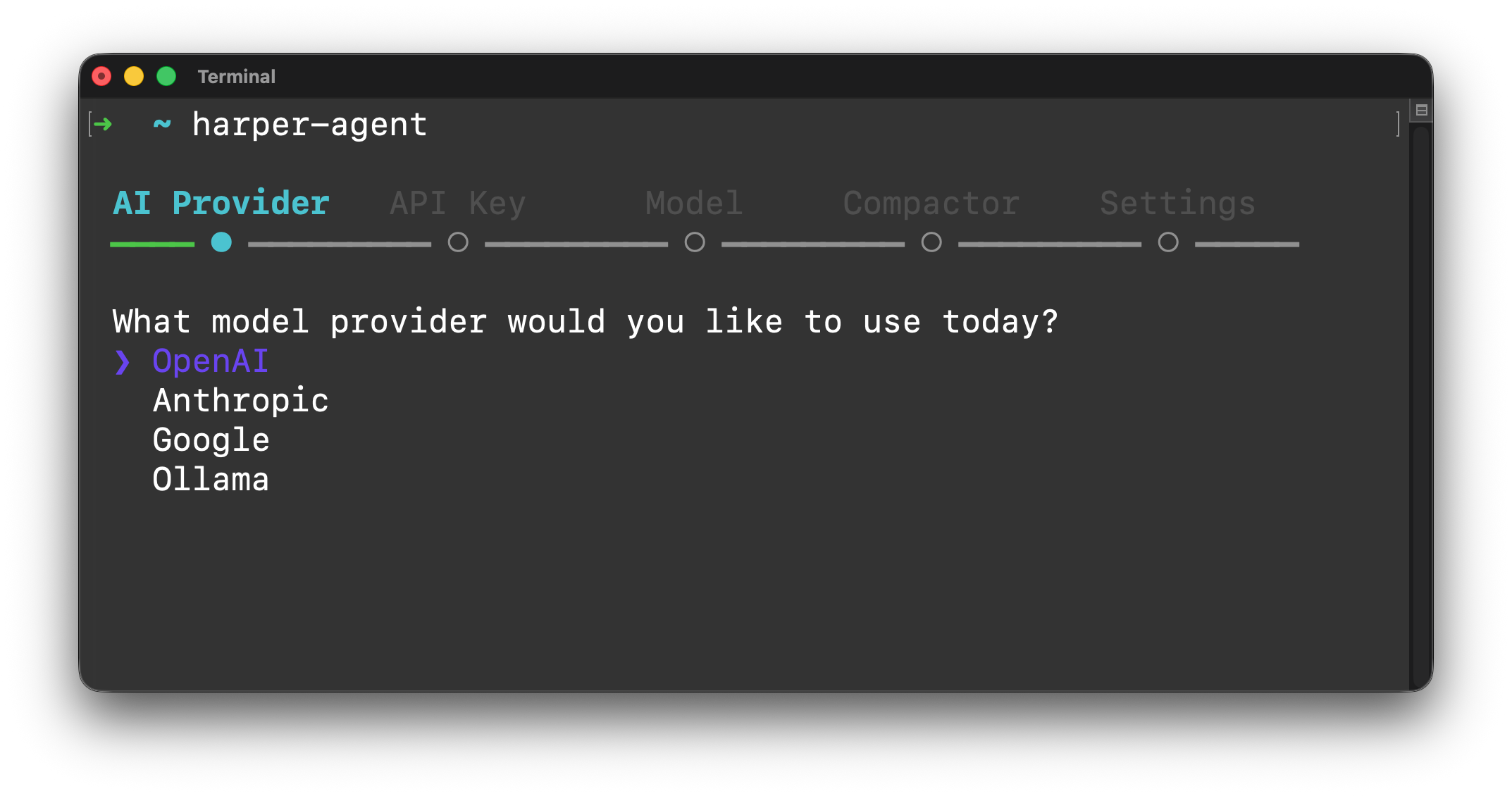
When you first run harper-agent, it will guide you through setting up your environment.
It will then automatically save it to either ~/.harper/harper-agent-env or your local .env file in your current working directory.
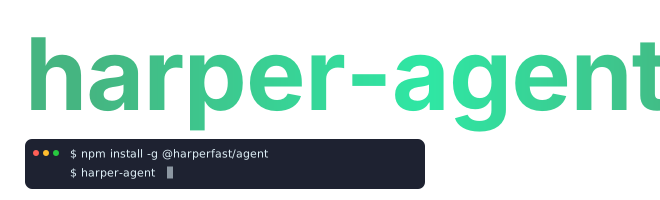
Now install harper-agent:
npm install -g @harperfast/agent
Or run it with npx:
npx -y @harperfast/agent
You're ready to go!
Usage
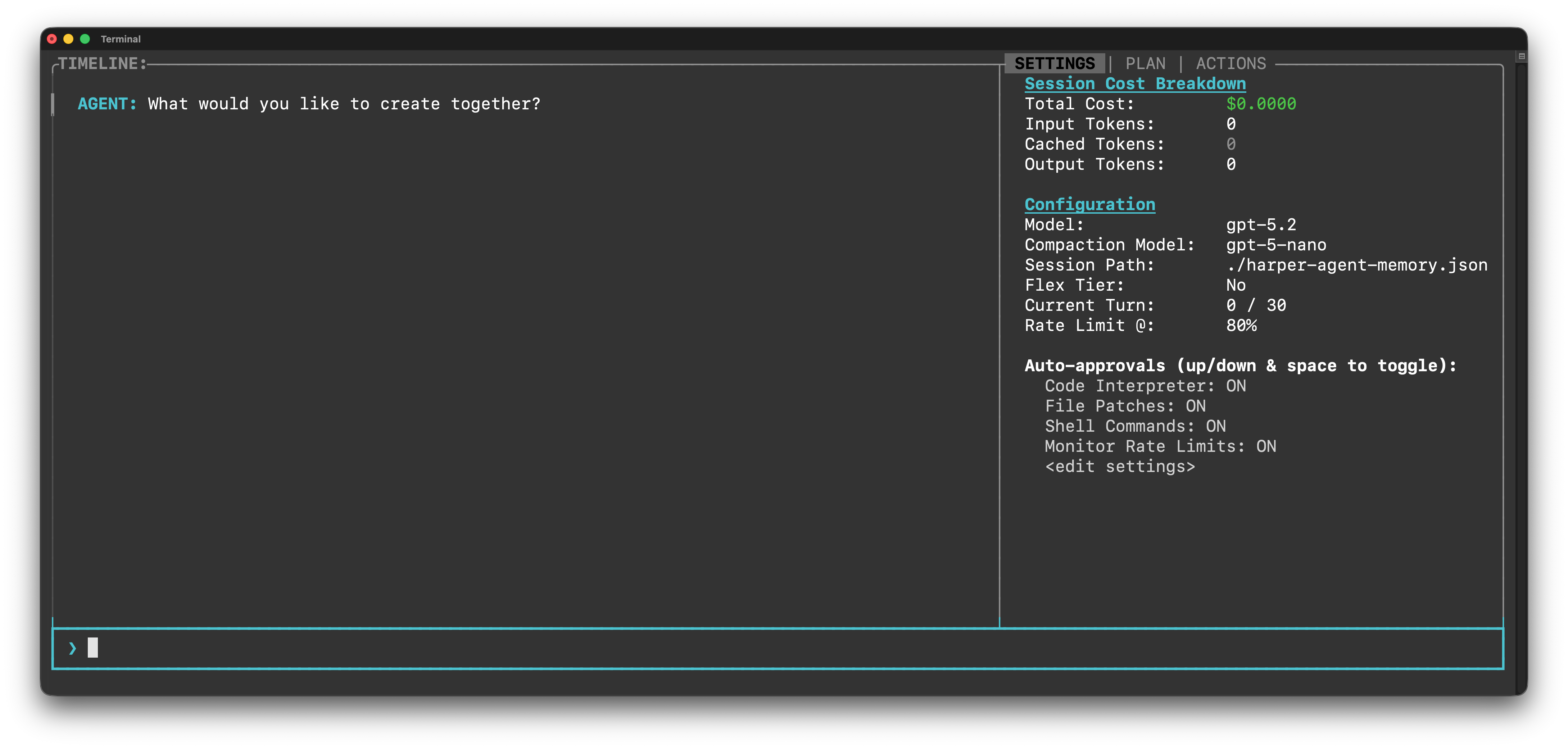
Once installed or running, you can ask harper-agent to help you with tasks in your current directory, such as applying patches or managing your Harper application.
Press Ctrl+C or type "/exit" or hit enter twice to exit.
Slash Commands
Harper Agent supports several slash commands for common tasks:
/clear: Resets the chat history.
/skills: Installs recommended agent skills via npx skills add harperfast/skills.
/exit: Exits the agent.
Non-interactive: pass an initial prompt
You can pass an initial --prompt=. Harper Agent will turn that into an actionable plan, and then it will iterate until it completes it.
harper-agent --prompt="Write a poem generation app, please"
In this mode, the initial greeting question is suppressed, and the agent processes the provided prompt immediately.
Manual Environment Configuration
If you prefer to set up your environment manually, you can create a .env file:
# For OpenAI (default)OPENAI_API_KEY=your_api_key_here# For AnthropicANTHROPIC_API_KEY=your_api_key_here# For Google GeminiGOOGLE_GENERATIVE_AI_API_KEY=your_api_key_here
(If you'd rather export these environment variables from within your .zshrc or equivalent file, you can do that instead.)
Model Selection
When you first fire up Harper Agent, it will ask you what model you want to use. You can also control this with command line arguments:
# Use Claude 3.5 Sonnetharper-agent --model claude-4-6-opus-latest# Use Gemini 1.5 Proharper-agent --model gemini-3-pro# Use a specific OpenAI modelharper-agent --model gpt-5.2
Or you can set the default model via the HARPER_AGENT_MODEL environment variable in your .env file or in ~/.harper/harper-agent-env
Compaction Model
A smaller model will be used for compaction, depending on your chosen LLM provider. You can specify your model using the --compaction-model (or -c) flag:
# Use a different compaction modelharper-agent --compaction-model claude-4-5-haiku-latest
You can also set the default compaction model via the HARPER_AGENT_COMPACTION_MODEL environment variable.
Session Persistence
Harper Agent will ask if it can persist your chat session to a JSON database on disk using the --session (or -s) flag:
# Persist session to a fileharper-agent --session ./my-session.db
This will save all conversation history to the specified file. If the file already exists, harper-agent will resume the session from where you left off.
You can also set the default session path via the HARPER_AGENT_SESSION environment variable.
Service Tier (OpenAI Only)
By default, harper-agent uses the auto service tier. You can force the flex tier to be used with the --flex-tier flag:
# Use flex service tierharper-agent --flex-tier
Forcing the flex tier can help reduce costs, although it may result in more frequent errors during periods of high system load.
You can also set this via the HARPER_AGENT_FLEX_TIER=true environment variable.
Ollama Support (Local Models)
To use local models with Ollama, use the ollama- prefix:
# Use Llama 3 via Ollamaharper-agent --model ollama-qwen2.5-coder
If your Ollama instance is running on a custom URL, you can set the OLLAMA_BASE_URL environment variable: