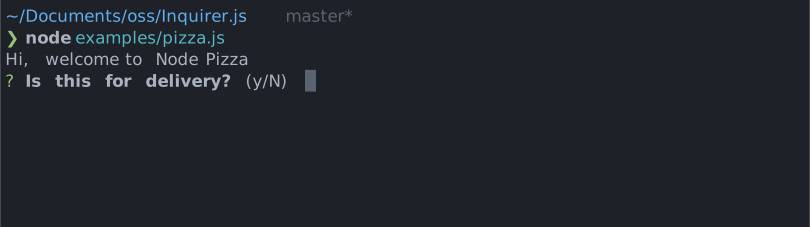
You can theme a prompt by passing a theme object option. The theme object only need to includes the keys you wish to modify, we'll fallback on the defaults for the rest.
The keywords property defines the words accepted as "yes" and "no". Matching is
prefix-based and case-insensitive, and the first character of each word is shown in
the hint (e.g. Y/n). The matched word is also displayed once the prompt is answered.
The built-in y/n/yes/no answers are always accepted, whatever the keywords
are. Unrecognized input shows the keywords.error message instead of silently
falling back on the default answer.
Overriding keywords is how @inquirer/i18n localizes the prompt:
The confirmDefault style marks the character representing the default answer in the
hint. By default it uppercases the character (Y/n); for scripts without case
(e.g. Chinese) it highlights the character with a color instead.
License
Copyright (c) 2023 Simon Boudrias (twitter: @vaxilart)
Licensed under the MIT license.