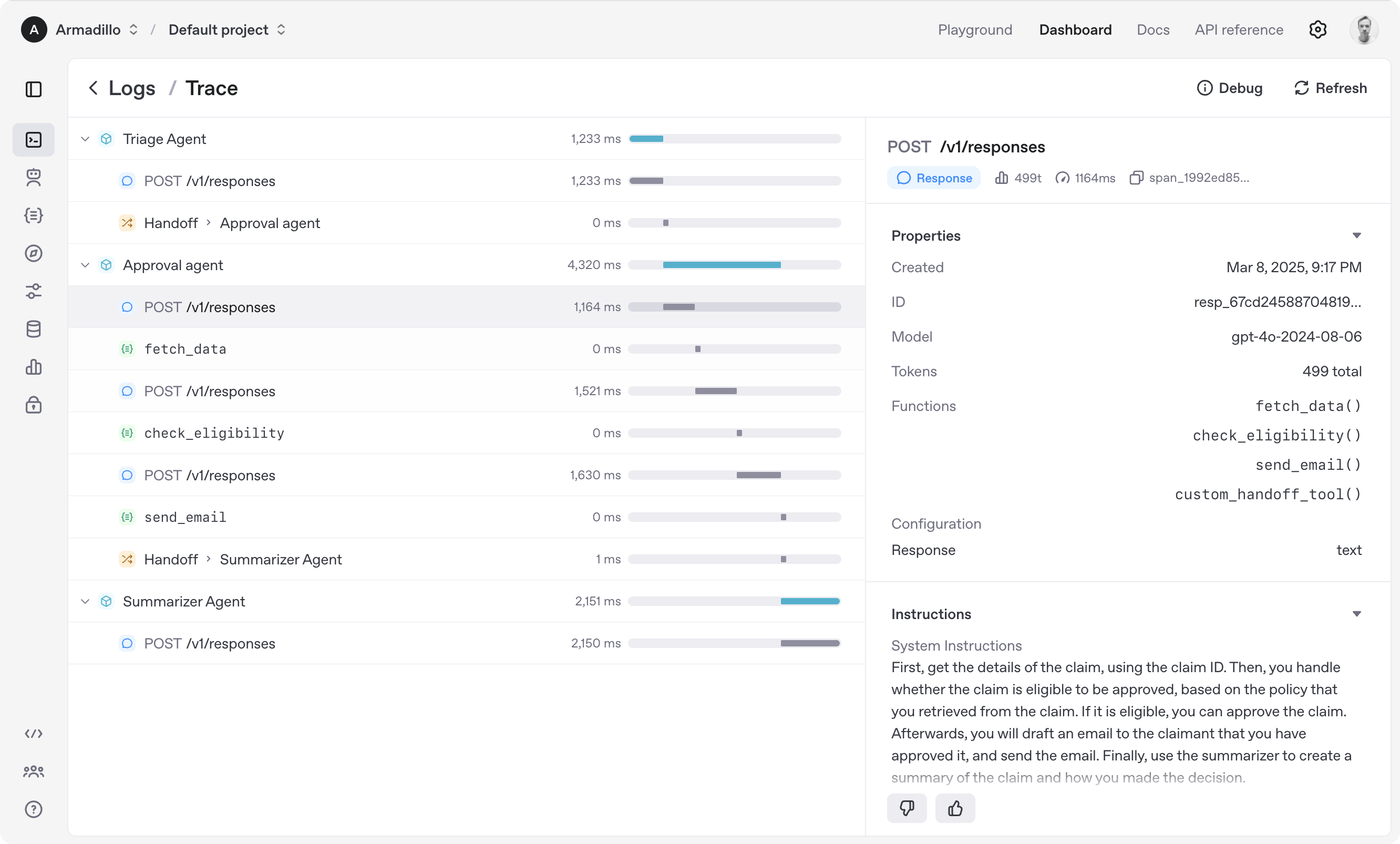
The OpenAI Agents SDK is a lightweight yet powerful framework for building multi-agent workflows in JavaScript/TypeScript. It is provider-agnostic, supporting OpenAI APIs and more.
Use a regular Agent for text-based workflows that do not need a sandbox workspace or Realtime session.
import { Agent, run } from '@openai/agents';const agent = new Agent({ name: 'Assistant', instructions: 'You are a helpful assistant.',});const result = await run( agent, 'Write a haiku about recursion in programming.',);console.log(result.finalOutput);
Build a sandbox agent
Use a Sandbox Agent when the agent should work in a filesystem, run commands, or carry workspace state across longer tasks.
This example uses UnixLocalSandboxClient, which is supported on macOS and Linux. On Windows, use DockerSandboxClient or a hosted sandbox client instead; see Sandbox clients for setup details.
import { run } from '@openai/agents';import { gitRepo, SandboxAgent } from '@openai/agents/sandbox';import { UnixLocalSandboxClient } from '@openai/agents/sandbox/local';const agent = new SandboxAgent({ name: 'Workspace Assistant', model: 'gpt-5.5', instructions: 'Inspect the repo before changing files.', defaultManifest: { entries: { repo: gitRepo({ repo: 'openai/openai-agents-js' }) }, },});const result = await run( agent, 'Inspect the repo README and summarize what this project does.', { sandbox: { client: new
Build a realtime agent
Use a Realtime Agent for low-latency, spoken interactions in the browser.
import { RealtimeAgent, RealtimeSession } from '@openai/agents/realtime';const agent = new RealtimeAgent({ name: 'Assistant', instructions: 'You are a helpful assistant.',});// Automatically connects your microphone and audio output in the browser via WebRTC.const session = new RealtimeSession(agent);await session.connect({ apiKey: '<client-api-key>' });
Set OPENAI_API_KEY in your server environment for text and sandbox agents. For browser-based realtime agents, use your server to create a short-lived ephemeral client token and pass it to session.connect(...).
Explore the examples/ directory to see the SDK in action.
Acknowledgements
We'd like to acknowledge the excellent work of the open-source community, especially: