Roarr Browser Log Writer
Roarr log writer for use in a web browser.
Usage
Import the initialization code anywhere in your codebase, e.g.
import { createLogWriter, } from '@roarr/browser-log-writer' ; globalThis.ROARR = globalThis.ROARR ?? {}; globalThis.ROARR.write = createLogWriter (); copy Alternatively, import @roarr/browser-log-writer/init, which is equivalent to the above code.
import '@roarr/browser-log-writer/init' ; copy If you are using Webpack, then consider using lazy loading , e.g.
import ( '@roarr/browser-log-writer/init' ); copy Displaying Logs
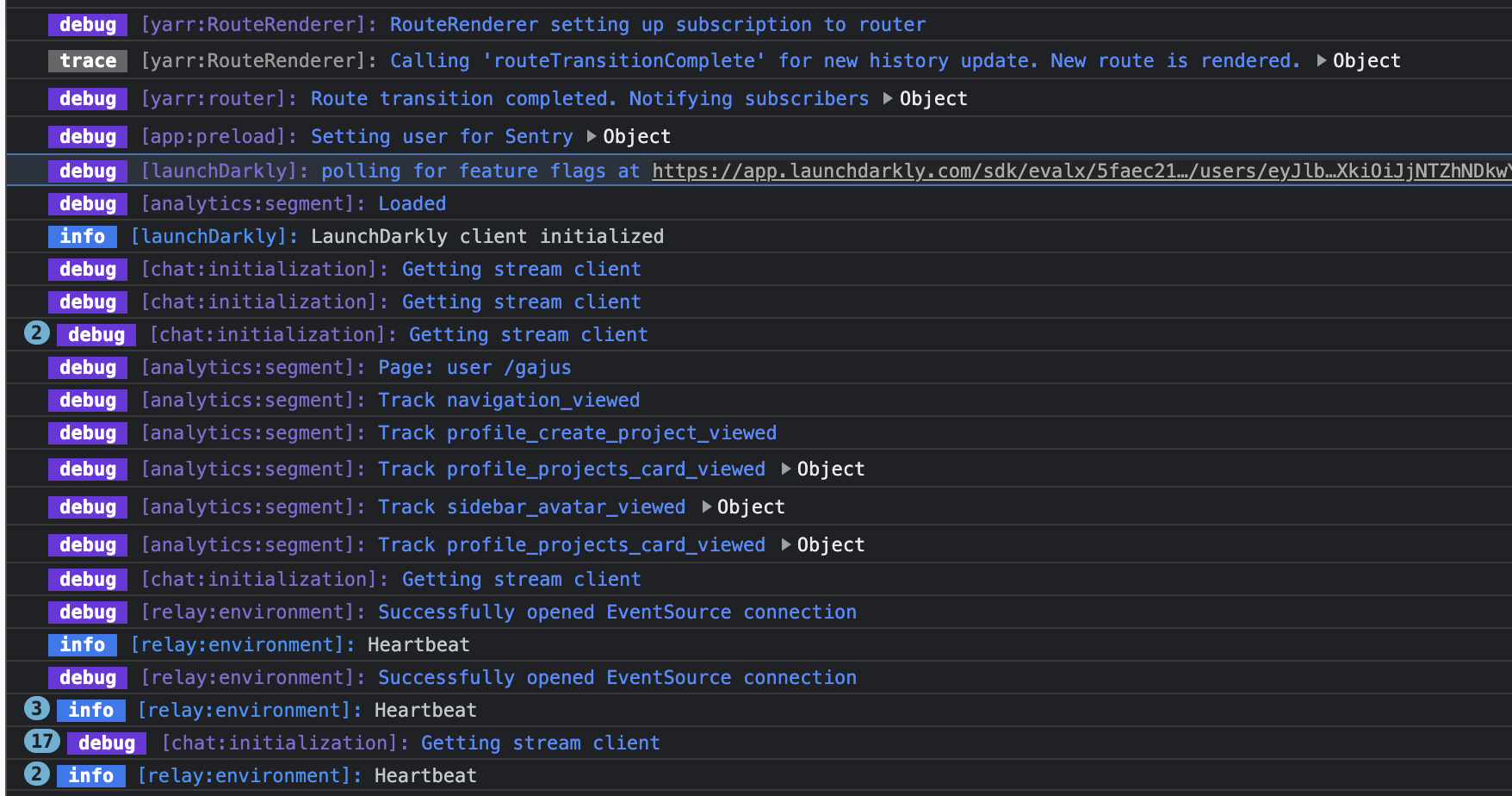
Logs are produced using console.log. However, by default, no logs are printed.
The simplest way to view all logs is to define ROARR_LOG=true localStorage
Type in console localStorage.setItem('ROARR_LOG', 'true') and refresh the page. Now you should see all the logs.
Filtering Logs
By default all logs are displayed. However, you can narrow down logs using a special constant ROARR_FILTER.
The value of ROARR_FILTER is a Liqe query , e.g.
# Only print logs with `context.logLevel` greater than 10. localStorage. setItem ( 'ROARR_FILTER' , 'context.logLevel:>10' ) # Only print logs with `context.namespace` containing "slonik" . localStorage. setItem ( 'ROARR_FILTER' , 'context.namespace:slonik' ) copy