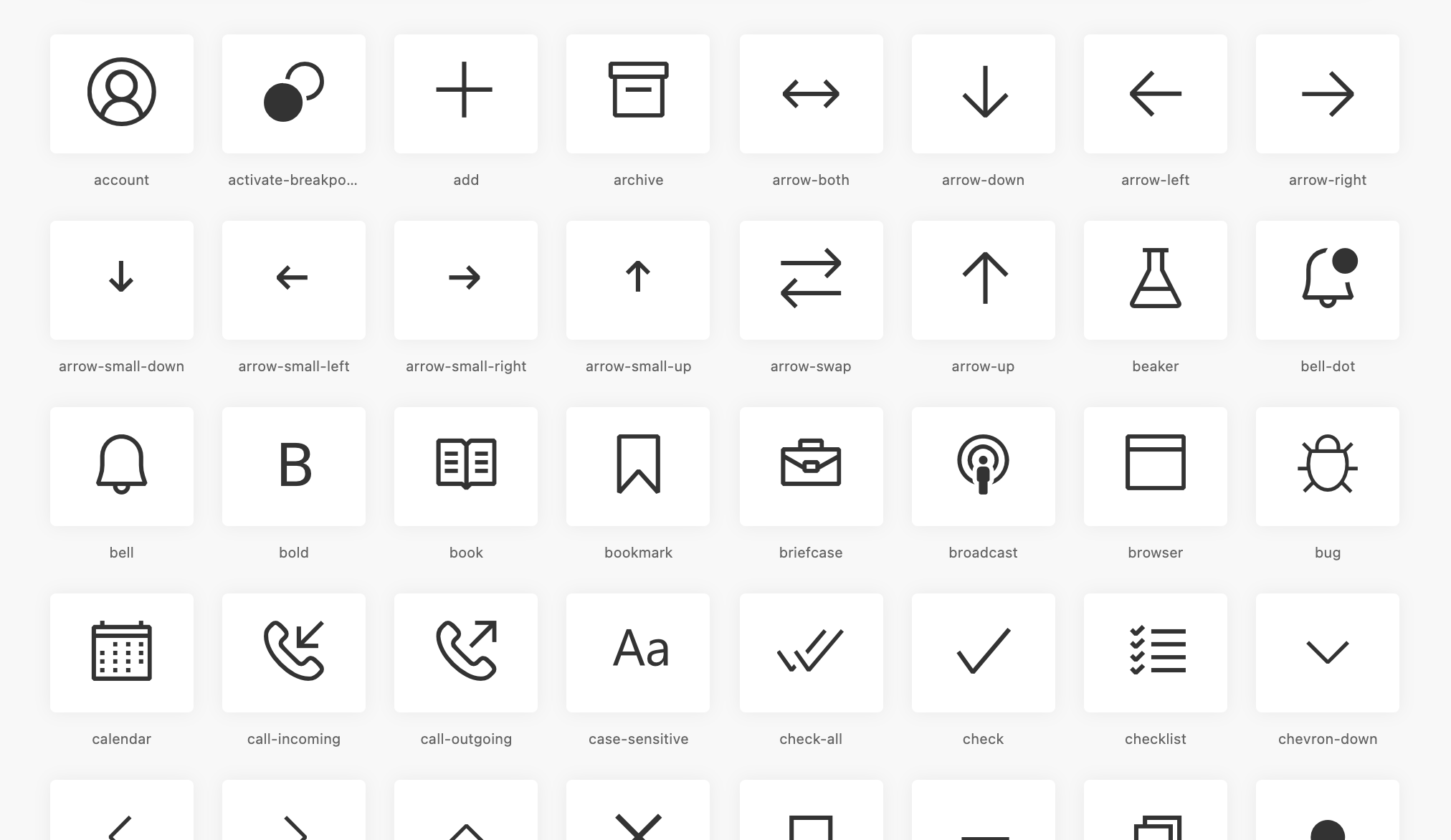
All icons are stored under src > icons. The mappings of the class names and unicode characters are stored in src/template/mapping.json as well as the default styles under src/template/styles.hbs.
Install dependencies
After cloning this repo, install dependencies by running:
npm install
Build
npm run build
Update packages
You can run npm outdated to see if there are any package updates. To update packages, run:
npm update
Add icons
Export your icons (svg) to the src/icons folder and add an entry into src/template/mapping.json with a new codepoint key (this gets converted into a unicode key) and run the the build command. The build command will also remove any subfolders in the icons folder to keep the folder structure consistent.
Next, update the codicons file on the vscode repository.
Note: If your icons look broken after converting into fonts (happens often when exporting as SVG from Figma), you might need to sanitize them using a tool
like svg-reorient.
When needing to reference an icon in the Visual Studio Code source code via CSS classes, simply create a dom element/container that contains codicon and the icon name like:
<div class='codicon codicon-add'></div>
It's recommended to use a single dom element for each icon and not to add children elements to it.
Using SVG Sprites
When needing to use the codicon.svg sprite file, you can reference icons using the following method:
<svg> <use xlink:href="codicon.svg#add" /></svg>
Contributing
This project welcomes contributions and suggestions. Most contributions require you to agree to a
Contributor License Agreement (CLA) declaring that you have the right to, and actually do, grant us
the rights to use your contribution. For details, visit https://cla.opensource.microsoft.com.
When you submit a pull request, a CLA bot will automatically determine whether you need to provide
a CLA and decorate the PR appropriately (e.g., status check, comment). Simply follow the instructions
provided by the bot. You will only need to do this once across all repos using our CLA.
Microsoft, Windows, Microsoft Azure and/or other Microsoft products and services referenced in the documentation
may be either trademarks or registered trademarks of Microsoft in the United States and/or other countries.
The licenses for this project do not grant you rights to use any Microsoft names, logos, or trademarks.
Microsoft's general trademark guidelines can be found at http://go.microsoft.com/fwlink/?LinkID=254653.
Microsoft and any contributors reserve all other rights, whether under their respective copyrights, patents,
or trademarks, whether by implication, estoppel or otherwise.