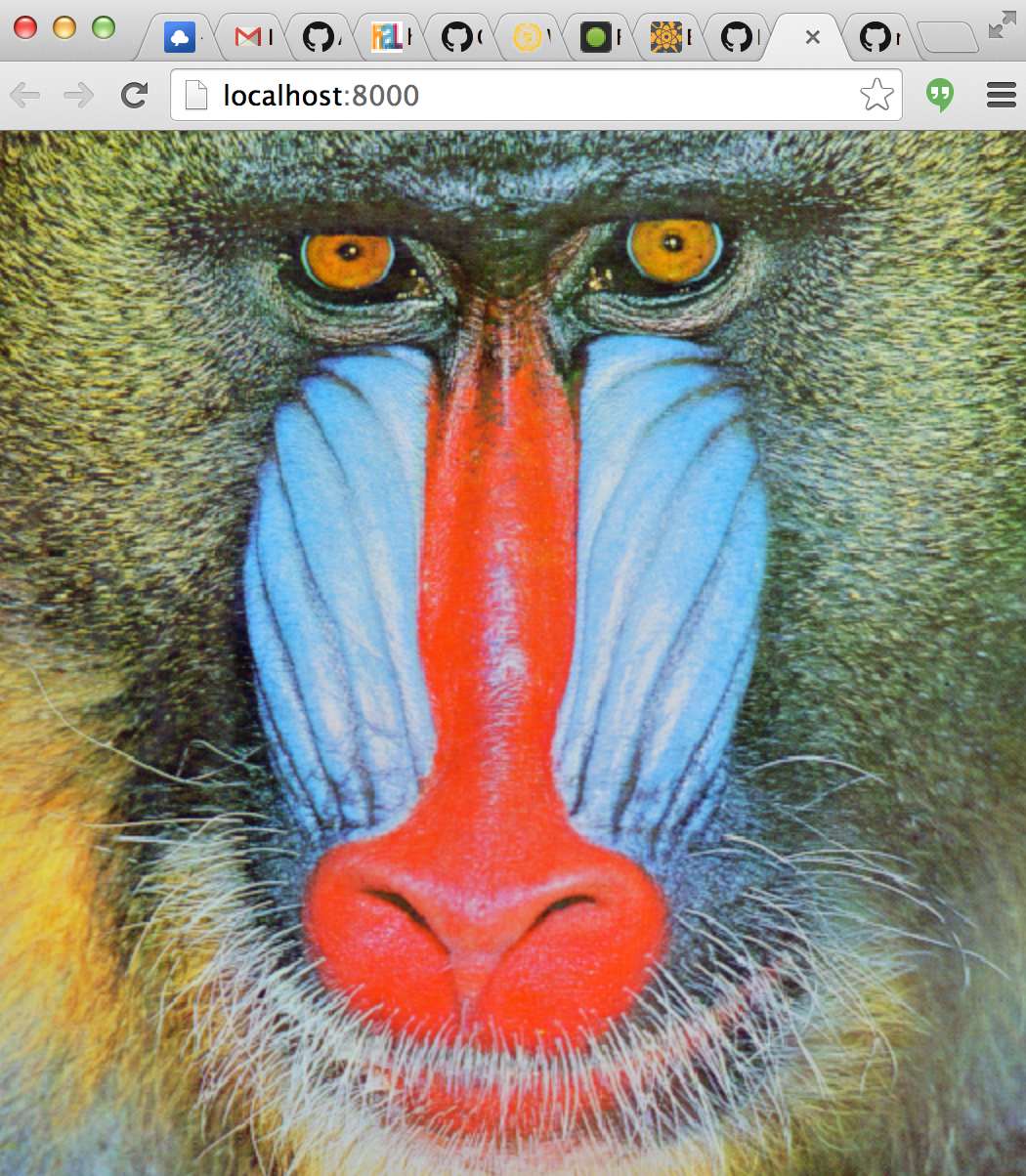
There are three basic usage patterns for createTexture:
var tex = createTexture(gl, shape[, format, type])
Creates an unitialized texture with the given dimensions and format
shape is a length 2 array representing the [width, height] of the texture
format (optional) is the format of the texture (default gl.RGBA)
type is the type of texture (default gl.UNSIGNED_BYTE)
var tex = createTexture(gl, domElement[, format, type])
Creates a texture from the given data source. Where domElement is one of the following items:
An ImageData object
An HTMLCanvas object
An HTMLImage object
An HTMLVideo object
And format is an OpenGL data format or defaults to gl.RGBA and type is the storage type which defaults to gl.UNSIGNED_BYTE
var tex = createTexture(gl, rawObject[, format, type])
Creates a texture from the given raw element. rawObject is a DOM-like element that have a raw, width and height fields. raw is a value that directly get passed to texImage2D / texSubImage2D.
This allows to support non-DOM implementation of WebGL like gl-headless.
var tex = createTexture(gl, array)
Creates a texture from an ndarray. The rules for selecting the format and type depend on the shape of the ndarray. The type of the texture is inferred according to the following rules. Let:
dtype = ndarray.dtype(array)
shape = array.shape
Then the rules for type and format are defined according to the following table:
dtype
shape
format
type
float*
[w,h]
LUMINANCE
FLOAT
float*
[w,h,1]
ALPHA
FLOAT
float*
[w,h,2]
LUMINANCE_ALPHA
FLOAT
float*
[w,h,3]
RGB
FLOAT
float*
[w,h,4]
RGBA
FLOAT
(u)int*
[w,h]
Other combinations of shape and dtype are invalid and throw an error.
Texture Methods
tex.bind([texUnit])
Binds the texture for use. Basically a short cut for:
If texUnit is not specified then the active texture is not changed.
Returns The texture unit the texture is bound to.
tex.dispose()
Destroys the texture object and releases all of its resources. Under the hood this is equivalent to:
gl.deleteTexture(this.handle)
tex.setPixels(data[, offset, mipLevel])
Unpacks data into a subregion of the texture. As before in the constructor data can be either an ndarray, HTMLCanvas, HTMLImage, HTMLVideo or a rawObject. If data is an ndarray it must have a compatible format with the initial array layout.
offset is a length 2 array representing the offset into which the pixels will be written in [x,y]. (Default: [0,0])
mipLevel is the mip level to write to. (Default 0)
If data is an ndarray the same rules as in the constructor are followed for converting the type of the buffer.
tex.generateMipmap()
Generates mipmaps for the texture. This will fail if the texture dimensions are not a power of two.
Texture Properties
tex.shape
An array representing the dimensions of the texture in [width, height]. Writing to this value will resize the texture and invalidate its contents. For example, to resize the texture tex to the shape [newWidth, newHeight] you can do:
tex.shape = [newWidth, newHeight]
tex.wrap
Texture wrap around behavior for x/y of the texture. Used to set/get [gl.TEXTURE_WRAP_T, gl.TEXTURE_WRAP_S]. Defaults to [gl.CLAMP_TO_EDGE, gl.CLAMP_TO_EDGE]. To update this value, write to it with a vector. For example,
tex.wrap = [gl.MIRRORED_REPEAT, gl.REPEAT]
Or you can update it with a single value to set the wrap mode for both axes:
tex.wrap = gl.REPEAT
tex.magFilter
Magnification filter. Used to set/get gl.TEXTURE_MAG_FILTER. Defaults to gl.NEAREST
tex.minFilter
Minification filter. Used to set/get gl.TEXTURE_MIN_FILTER. Defaults to gl.NEAREST
tex.mipSamples
The number of anisotropic filtering samples to use. This requires EXT_texture_filter_anisotropic to have any effect. High values will improve mipmap quality, but decrease performance.