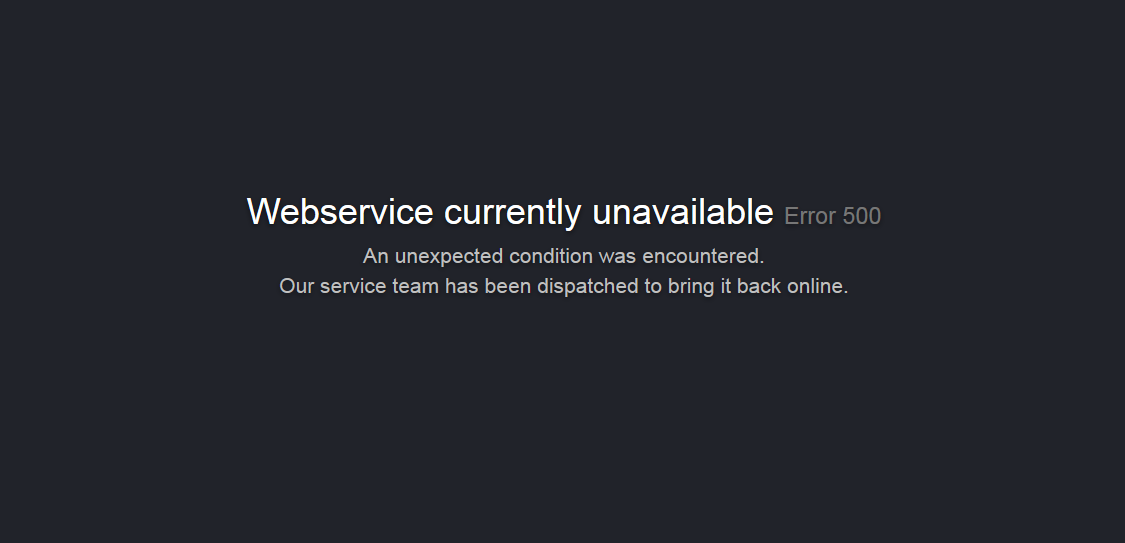
Simple HTTP Error Page Generator. Create a bunch of custom error pages - suitable to use with Lighttpd, Nginx, expressjs, koajs ,Apache-Httpd or any other Webserver.
filter (type:function) - filter callback to manipulate the variables before populated within the template
onError (type:function) - simple debug handler to print errors to the console (not to be used in production!)
Caddy Integration
Caddy supports custom error-pages using errors directive.
File: Caddyfile
Example - assumes HttpErrorPages are located into /var/www/error.
www.yoursite.com { // Other configurations errors { 404 /var/www/error/HTTP404.html } // Other configurations}
Customization
First of all, clone
or download the http-error-pages repository.
Install Dependencies
You have to install the node dev dependencies to build the pages:
# run the yarn command within the cloned repositoryyarn install# or if you more familiar with npm..npm install
To customize the pages, you can edit any of the template files and finally run the generator-script.
All generated html files are located into the dist/ directory by default.
If you wan't to add custom pages/additional error-codes, just put a new entry into the i18n/pages-en_US.json file (its recommended to copy the file).
The generator-script will process each entry and generates an own page.
To modify the page styles, just edit the SCSS based layout assets/layout.scss and finally run gulp to generate the css code.
The new layout file is stored in assets/layout.css - run the page generator to create the pages.
Create custom error codes/pages used by e.g. CloudFlare
Example
// webserver origin error"520": { "title": "Origin Error - Unknown Host", "message": "The requested hostname is not routed. Use only hostnames to access resources."},// webserver down error"521": { "title": "Webservice currently unavailable", "message": "We've got some trouble with our backend upstream cluster.\nOur service team has been dispatched to bring it back online."},
Change footer message
The footer message can easily be changed/removed by editing config.json.
The following set of variables is exposed to the ejs template (404 page example):
{ title: 'Resource not found', message: 'The requested resource could not be found but may be available again in the future.', code: '404', language: 'en', scheme: 'HTTP%code%.html', pagetitle: "We've got some trouble | %code% - %title%", footer: 'Tech Contact <a href="mailto:info@example.org">info@example.org</a>', myvar: 'Hello World'}
To generate dynamic titles/content based on the current variable set, each variable is exposed as placeholder (surrounded by %).
You can also define custom variable within the page definitions, everything is merged togehter.
Modify the HTML template
The HTML template is based on ejs and located in assets/template.ejs - you can apply any kind of changes.
The http-error-pages generator allows you to use custom template/config files directly. This is the recommended method to create full-customized pages.
$ npm run static -- --help> http-error-pages@0.6.0 static HttpErrorPages> node bin/generator.js static "--help" Usage: static [options] [config] run http-error-pages generator Options: -t, --template <path> path to your custom EJS template file -s, --styles <path> path to your custom stylesheet (precompiled as CSS!) -p, --pages <path> path to your custom page definition -l, --lang <lang> the language of the default page definition -o, --out <path> output directory -h, --help output usage information
Example - use custom files
We assume you've created a folder named example_org which contains all relevant template files