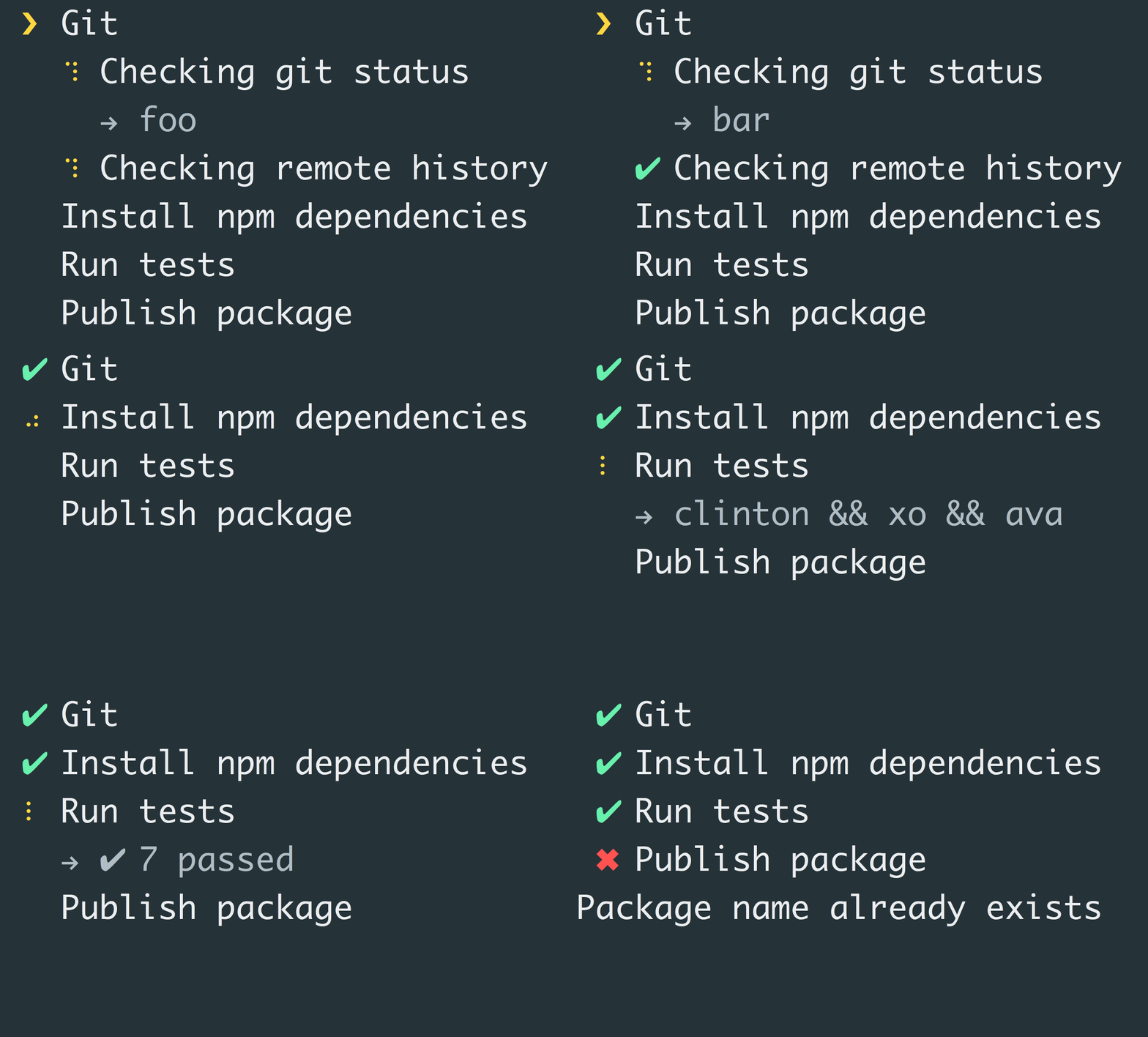
Tip: Always reject a promise with some kind of Error object.
Observable
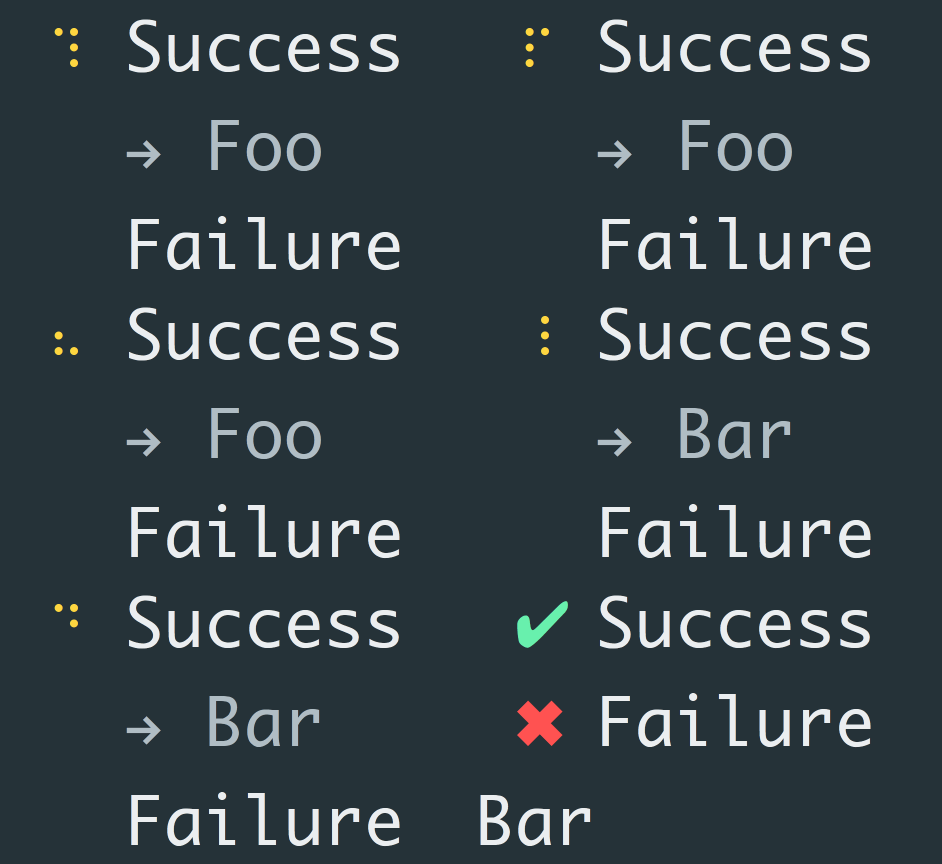
A task can also return an Observable. The thing about observables is that it can emit multiple values and can be used to show the output of the
task. Please note that only the last line of the output is rendered.
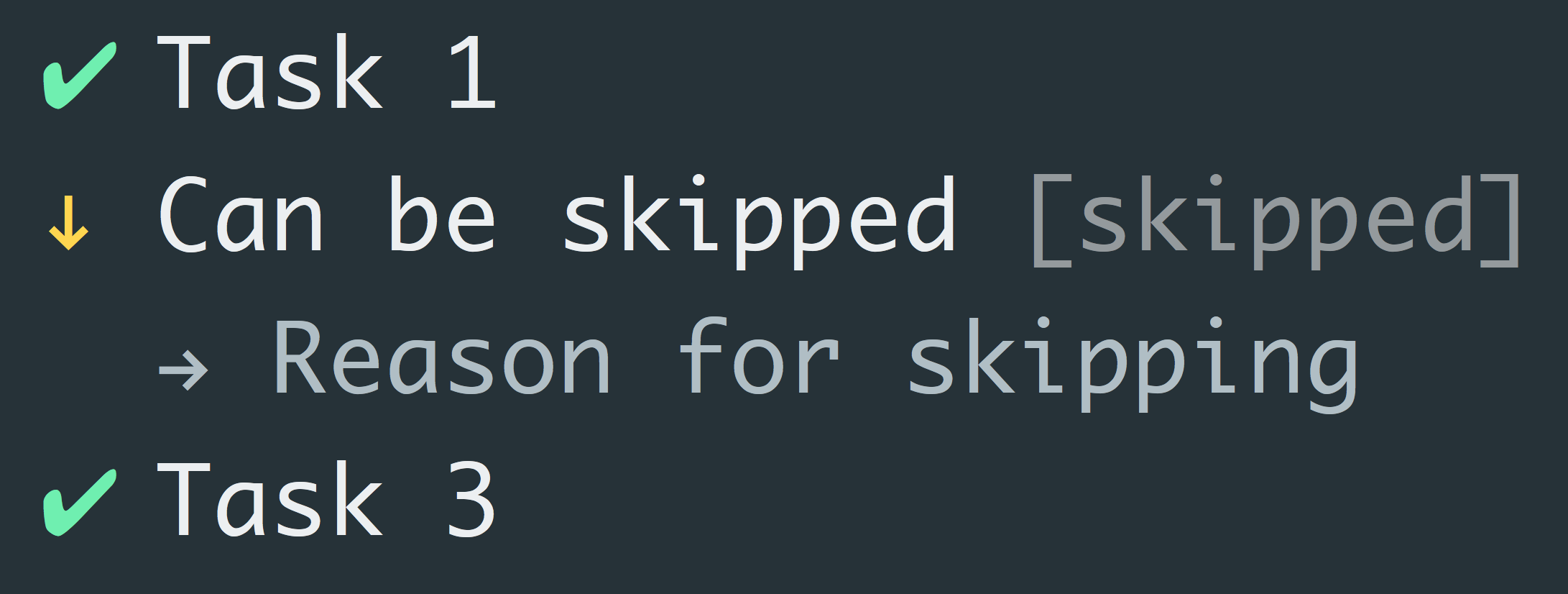
Tip: You can still skip a task while already executing the task function with the task object.
Enabling tasks
By default, every task is enabled which means that every task will be executed. However, it's also possible to provide an enabled function that returns whether the task should be executed or not.
const tasks = new Listr([
	{
		title: 'Install package dependencies with Yarn',
		task: (ctx, task) => execa('yarn')
			.catch(() => {
				ctx.yarn = false;

				task.skip('Yarn not available, install it via `npm install -g yarn`');
			})
	},
	{
		title: 'Install package dependencies with npm',
		enabled: ctx => ctx.yarn === false,
		task: () => execa('npm', ['install'])
	}
In the above example, we try to run yarn first, if that fails we will fall back to npm. However, at first only the Yarn task will be visible. Because we set the yarn flag of the context object to false, the second task will automatically be enabled and will be executed.
Note: This does not work in combination with concurrent tasks.
Context
A context object is passed as argument to every skip and task function. This allows you to create composable tasks and change the behaviour of your task depending on previous results.
A special task object is passed as second argument to the task function. This task object lets you change the title while running your task, you can skip it depending on some results or you can update the task's output.
It's possible to write custom renderers for Listr. A renderer is an ES6 class that accepts the tasks that it should render, and the Listr options object. It has two methods, the render method which is called when it should start rendering, and the end method. The end method is called when all the tasks are completed or if a task failed. If a task failed, the error object is passed in via an argument.
Note: A renderer is not passed through to the subtasks, only to the main task. It is up to you to handle that case.
The nonTTY property returns a boolean indicating if the renderer supports non-TTY environments. The default for this property is false if you do not implement it.
Observables
Every task is an observable. The task emits three different events and every event is an object with a type property.
The state of the task has changed (STATE).
The task outputted data (DATA).
The task returns a subtask list (SUBTASKS).
The task's title changed (TITLE).
The task became enabled or disabled (ENABLED).
This allows you to flexibly build your UI. Let's render every task that starts executing.
class CustomRenderer {

	constructor(tasks, options) {
		this._tasks = tasks;
		this._options = Object.assign({}, options);
	}

	static get nonTTY() {
		return true;
	}

	render() {
		for (const task of this._tasks) {
			task.subscribe(event => {
				if (event.type === 'STATE' && task.isPending()) {
					console.log(`${task.title} [started]`);
If you want more complex examples, take a look at the update and verbose renderers.
Renderer that should be used. You can either pass in the name of the known renderer, or a class of a custom renderer.
nonTTYRenderer
Type: stringobject
Default: verbose
The renderer that should be used if the main renderer does not support TTY environments. You can either pass in the name of the renderer, or a class of a custom renderer.
Instance
add(task)
Returns the instance.
task
Type: objectobject[]
Task object or multiple task objects.
run([context])
Start executing the tasks. Returns a Promise for the context object.