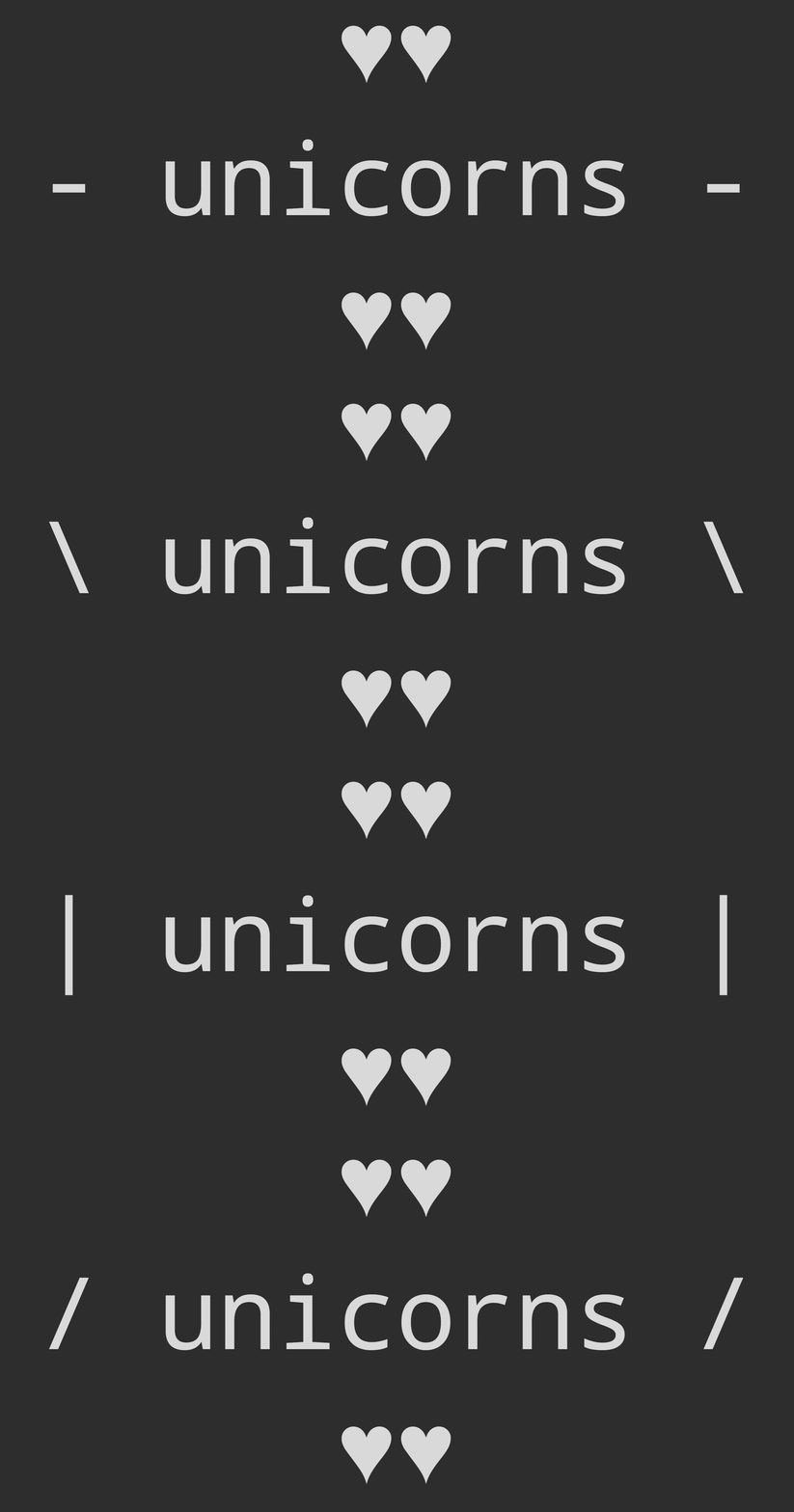
Useful if you want to start a new log session below the current one.
logUpdate.persist(text…)
Write text to the terminal that persists, similar to console.log().
Unlike the main logUpdate() method which updates in place, persist() writes to the terminal in a way that preserves the output in the scrollback history.
import logUpdate from 'log-update';// Update in placelogUpdate('Processing...');logUpdate('Still processing...');// Write permanent outputlogUpdate.persist('✓ Task complete');// Continue updatinglogUpdate('Next task...');
logUpdateStderr(text…)
Log to stderr.
logUpdateStderr.clear()
logUpdateStderr.done()
logUpdateStderr.persist(text…)
createLogUpdate(stream, options?)
Get a logUpdate method that logs to the specified stream.
options
Type: object
showCursor
Type: boolean
Default: false
Show the cursor. This can be useful when a CLI accepts input from a user.
import {createLogUpdate} from 'log-update';// Write output but don't hide the cursorconst log = createLogUpdate(process.stdout, { showCursor: true});
defaultWidth
Type: number
Default: 80
The width to use when the stream doesn't provide a columns property.
This is useful when the output is piped, redirected, or in environments where the terminal size is not available.
import {createLogUpdate} from 'log-update';// Use custom width when the stream doesn't provide columnsconst log = createLogUpdate(process.stdout, { defaultWidth: 120});
defaultHeight
Type: number
Default: 24
The height to use when the stream doesn't provide a rows property.
This is useful when the output is piped, redirected, or in environments where the terminal size is not available.
import {createLogUpdate} from 'log-update';// Use custom height when the stream doesn't provide rowsconst log = createLogUpdate(process.stdout, { defaultHeight: 50});
Examples
listr - Uses this module to render an interactive task list