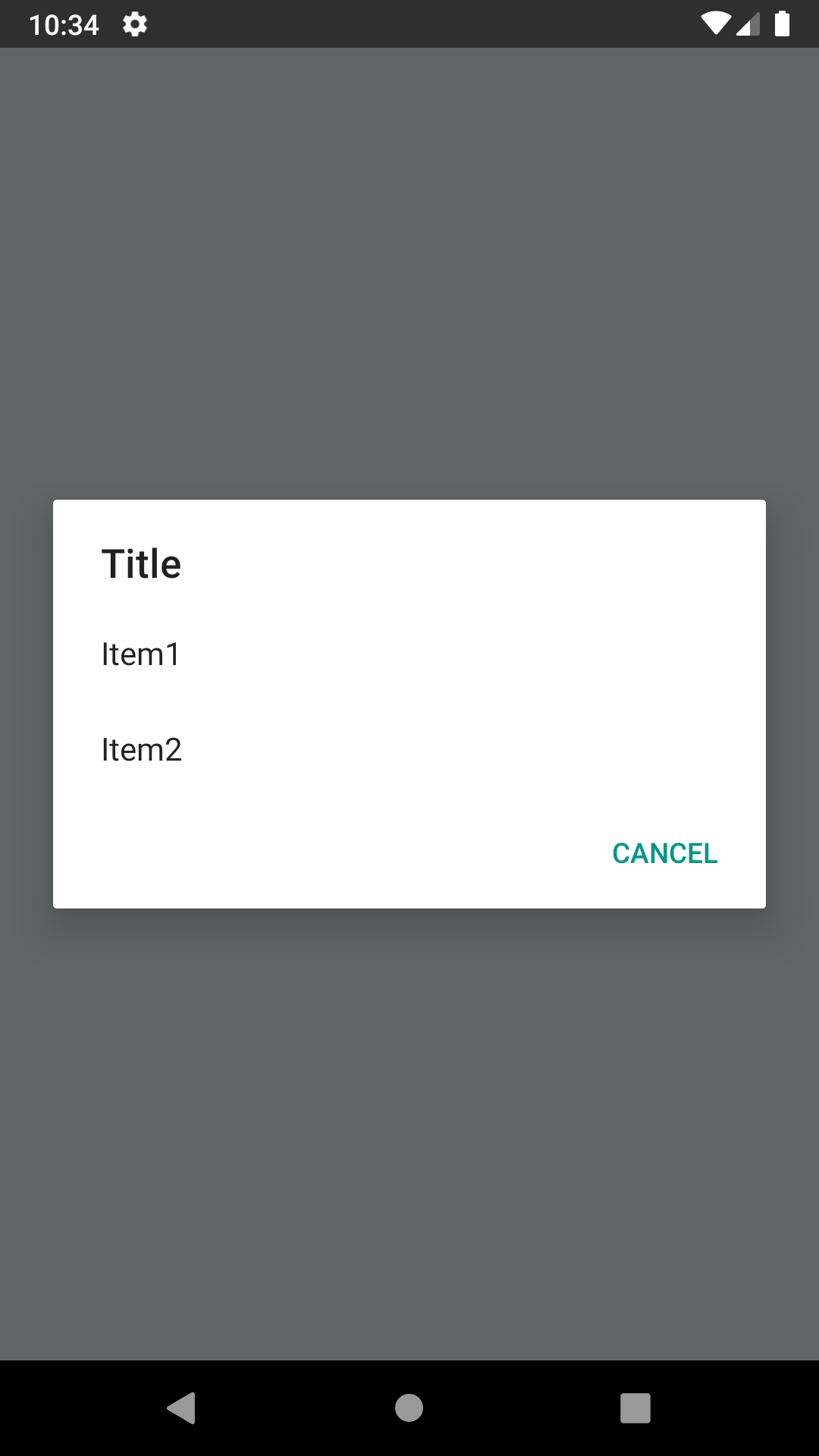
RN 0.59.1+ has a bug with Picker component not rendered as a modal, even when passing props: https://github.com/facebook/react-native/issues/24055
I needed to create a simple Dialog with options (without checkboxes / radio boxes) and didn't wanted to wait until the issue with Picker is fixed. This is a temporary quick solution for the problem.
$ react-native link react-native-android-dialog-picker
Manual installation
Android
Open up android/app/src/main/java/[...]/MainActivity.java
Add import com.androiddialogpicker.RNAndroidDialogPickerPackage; to the imports at the top of the file
Add new RNAndroidDialogPickerPackage() to the list returned by the getPackages() method
Append the following lines to android/settings.gradle:
include ':react-native-android-dialog-picker'project(':react-native-android-dialog-picker').projectDir = new File(rootProject.projectDir, '../node_modules/react-native-android-dialog-picker/android')
Insert the following lines inside the dependencies block in android/app/build.gradle:
import React, { Component } from "react";import { Platform, View, Button, ActionSheetIOS} from "react-native";import AndroidDialogPicker from "react-native-android-dialog-picker";export default class App extends Component { showPicker = () => { if (Platform.OS === "android") { // only for android AndroidDialogPicker.show( { title: "Title", // title of the dialog items: ["Item1", "Item2"], // items/options to choose from
cancelText: "Cancel" // cancel text (optional - cancel button won't be render if this is not passed)
},
// only called when pressed on one of the items
// won't be called if user pressed on cancel or dismissed the dialog
buttonIndex => {
console.log(buttonIndex);
}
);
} else {
// use ActionSheetIOS for iOS
ActionSheetIOS.showActionSheetWithOptions(
{
title: "Title",
options: ["Item1", "Item2", "Cancel"],
cancelButtonIndex: 2
},
buttonIndex => {
console.log(buttonIndex);
}
);
}
};
render() {
return (
<View style={{flex: 1}}>
<Button title="Show Me What You Got" onPress={this.showPicker} />