Meanwhile, for Web, your doorman.ts file would have Firebase JS v9 initialization in it:
doorman.ts
import { initializeApp } from 'firebase/app'initializeApp({ // ...})
And then import doorman.ts before you use withPhoneAuth or DoormanProvider:
import './doorman'import App from './app'export default withPhoneAuth(App)
Use your own server
Since Doorman's backend is no longer maintained, if you want to use the front-end, you need to override these functions.
First, import Doorman
The following steps should make requests to your own server.
Your server should use Twilio OTP and Firebase Admin to verify phone numbers, create an auth user (if it doesn't yet exist on Firebase), and then return the auth token.
React 17 Usage
First, be sure to properly configure patch-package.
You'll need to patch react-native-phone-input to use React 17. Add this to your patches folder:
Doorman lets React Native developers add phone authentication to their apps with ease. It works perfectly with Firebase Auth and Expo.
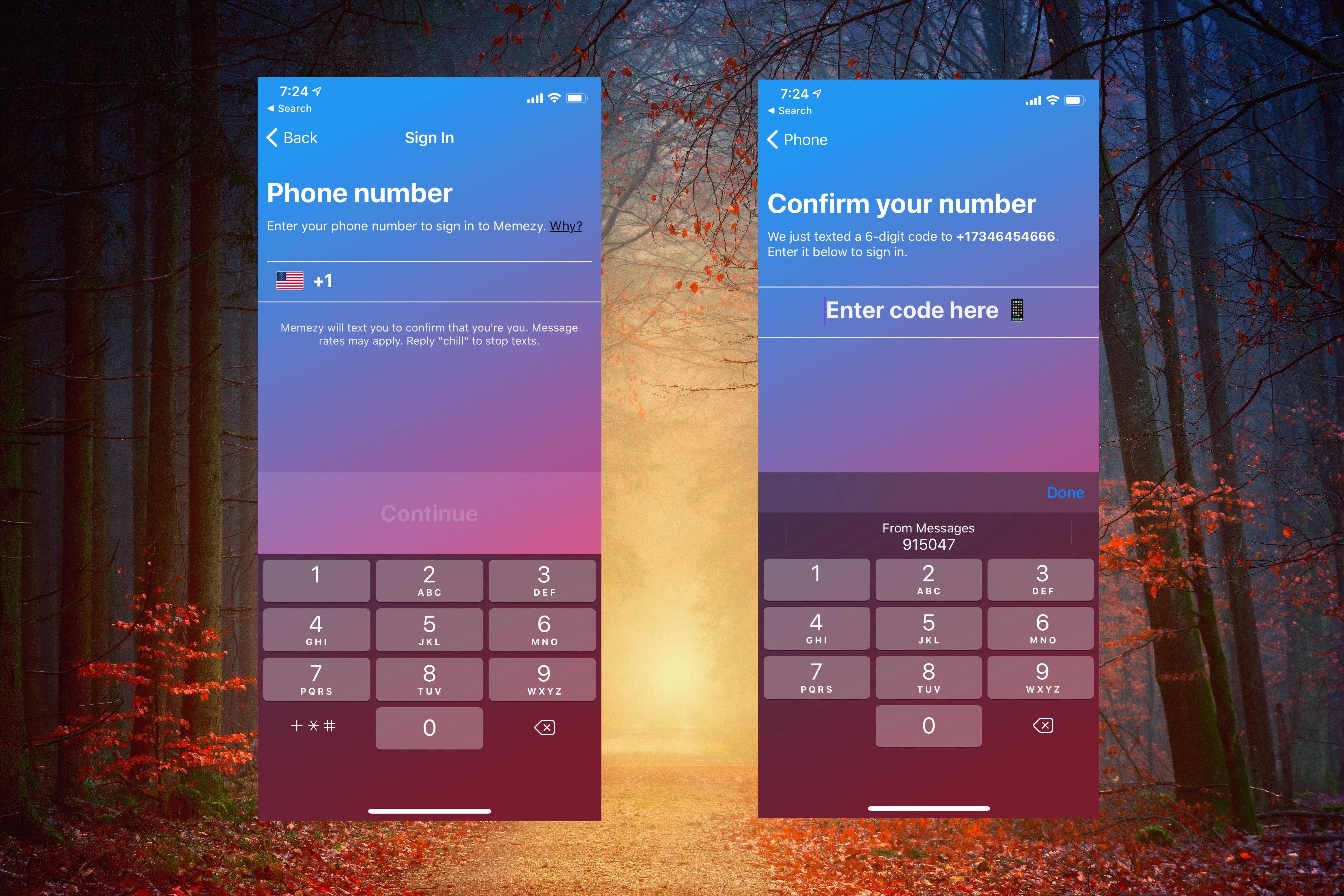
We handle the backend and provide UI components 😇 for Firebase phone auth. That means you can spend less time worrying about the auth flow, and more time building your actual features.
Our mission is to help you create incredible apps that your users will love. And that all starts with the first impression they make with your app – your auth flow.
😎 With Doorman, you can...
👟Build a phone authentication flow in a few lines of code.
💅Fully customize the design to fit your app.
👩💻Avoid maintaining a complex server.
🔥Keep using Firebase Auth with Expo.
🕺Create a native auth experience, without web views or popups.
Please use this repository to notify us of any issues and track ones we're working on.
You can also live chat us on our website with any tight concerns. That said, we prefer that you make an issue here so that everyone else can fix problems you might have.