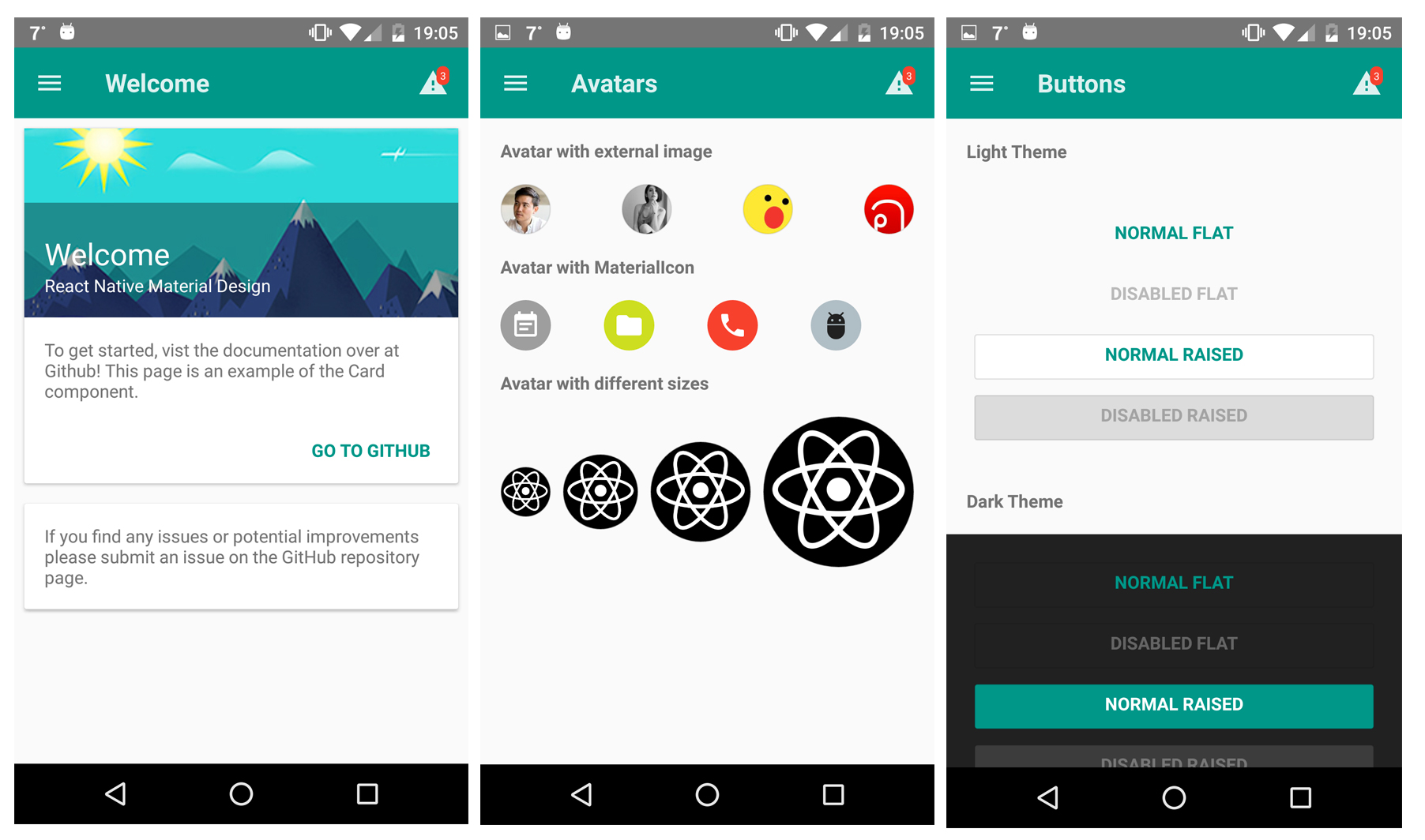
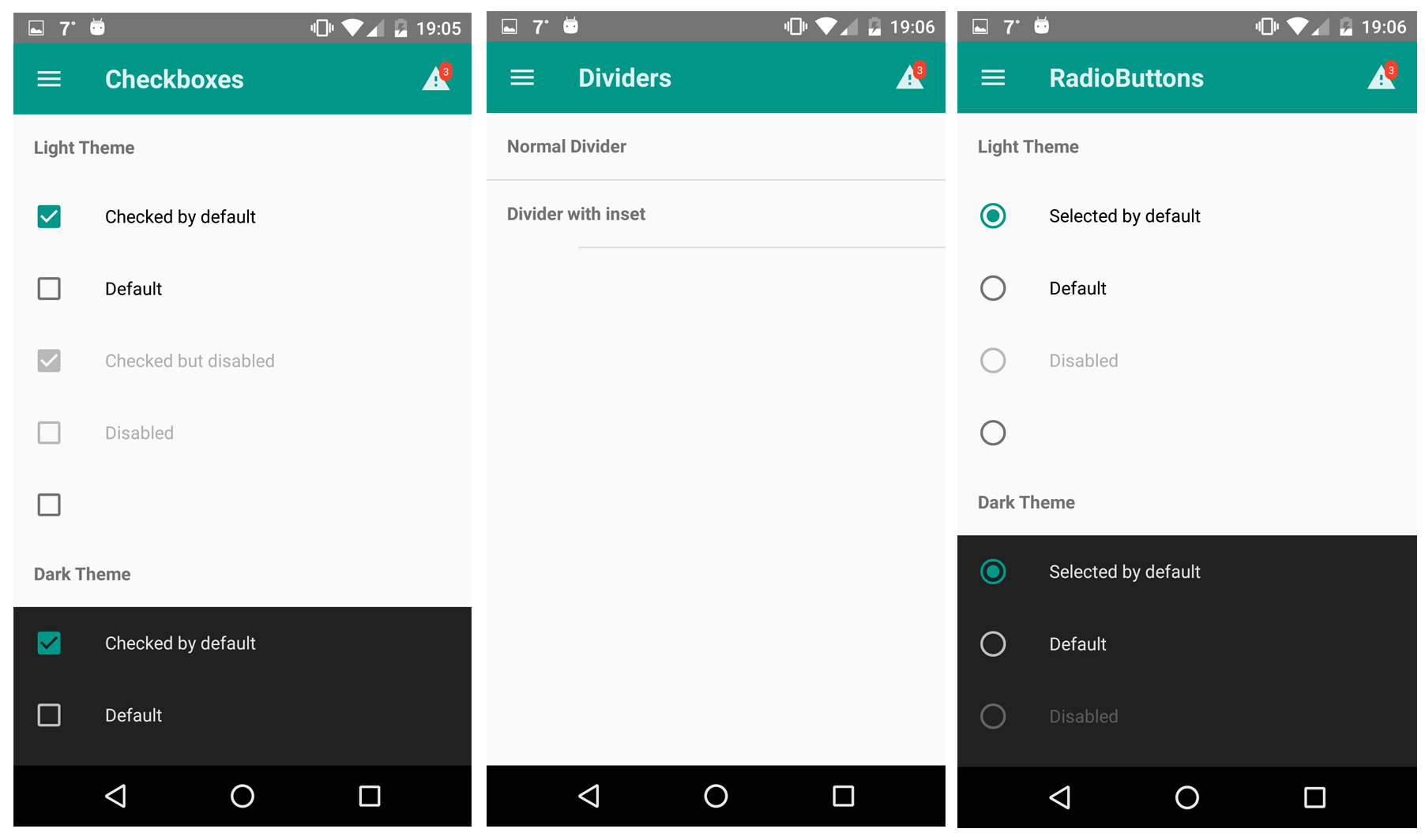
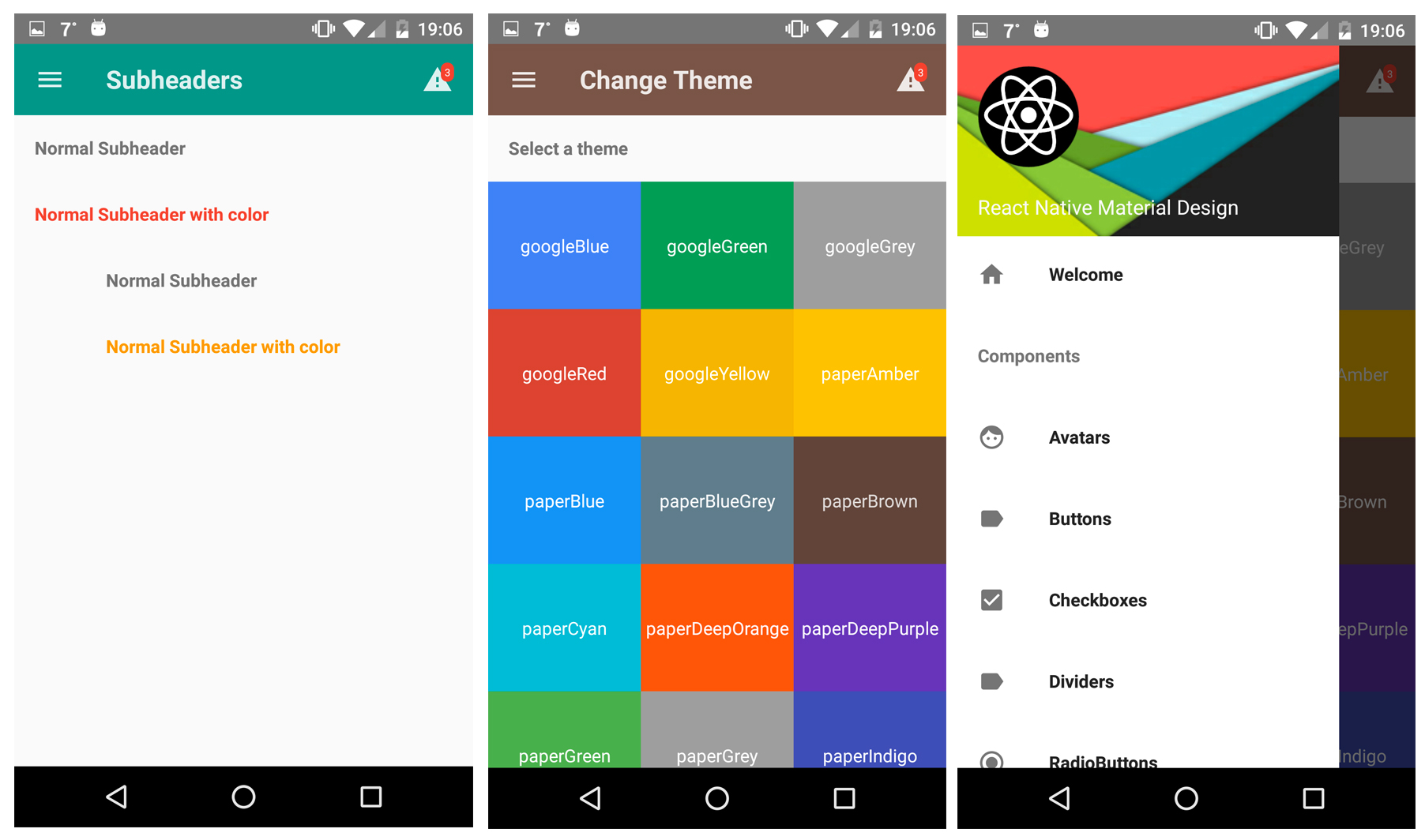
This project uses Roboto as the main font for text. Make sure to add Roboto to your project, as it will give the following error on iOS.
Unrecognized font family Roboto.
To achieve the level of customizability, React Native Material UI is using a single JS object called uiTheme that is passed in via context. By default, this uiTheme object is based on the lightTheme that you can find here. So, you can change almost everything very easily.
The uiTheme object contains the following keys:
spacing: {} // can be used to change the spacing of components.fontFamily: {} // can be used to change the default font family.palette: { // can be used to change the color of components. primaryColor: blue500, accentColor: red500, ...}typography: {} // can be used to change the typography of components// you can change style of every each componentavatar: {}button: {}toolbar: {}...
import React, { Component } from 'react';import { Navigator, NativeModules } from 'react-native';import { COLOR, ThemeProvider } from '../react-native-mui';// you can set your style right here, it'll be propagated to applicationconst uiTheme = { palette: { primaryColor: COLOR.green500, }, toolbar: { container: { height: 50, }, },};class Main extends Component { render() { return ( <ThemeProvider uiTheme={uiTheme}> <
It means, if you want to change primary color of your application for example. You can just pass to ThemeProvider object with your own settings. Your settings will be merged with default theme.
What else?
Another great feature is, you can use the uiTheme everywhere. Even in your own components. So if you built your own implementation of Button for example, look how you can get the primary color.
import ...const contextTypes = { uiTheme: PropTypes.object.isRequired,};class MyButton extends Component { render() { // it's really easy to get primary color everywhere in your app const { primaryColor } = this.context.uiTheme.palette; return ... }}export ...
Local changes
Of course, sometimes we need to change style of only one component. It means, all buttons have red background, but facebook login button that should have blue background. Every each component have style property. So you can very easily override whatever you want.