The Navigation Timing API provides useful data that can be used to measure the performance of a website. Unfortunately this API has never been good at capturing the actual user experience.
The Speed Index, introduced by WebpageTest.org, aims to solve this issue. It measures how fast the page content is visually displayed. The current implementation is based on the Visual Progress from Video Capture calculation method described on the Speed Index page. The visual progress is calculated by comparing the distance between the histogram of the current frame and the final frame.
Speedline also calculates the perceptual speed index, based on the same principal as the original speed index, but it computes the visual progression between frames using the SSIM instead of the histogram distance.
Install the CLI
$ npm install -g speedline
Usage
Note: You should enable the screenshot options before recording the timeline.
$ speedline --help

  Usage
    $ speedline <timeline> [options]

  Options
    --pretty  Pretty print the output
    --fast    Skip parsing frames between similar ones
                Disclaimer: may result in different metrics due to skipped frames

  Examples
    $ speedline ./timeline.json
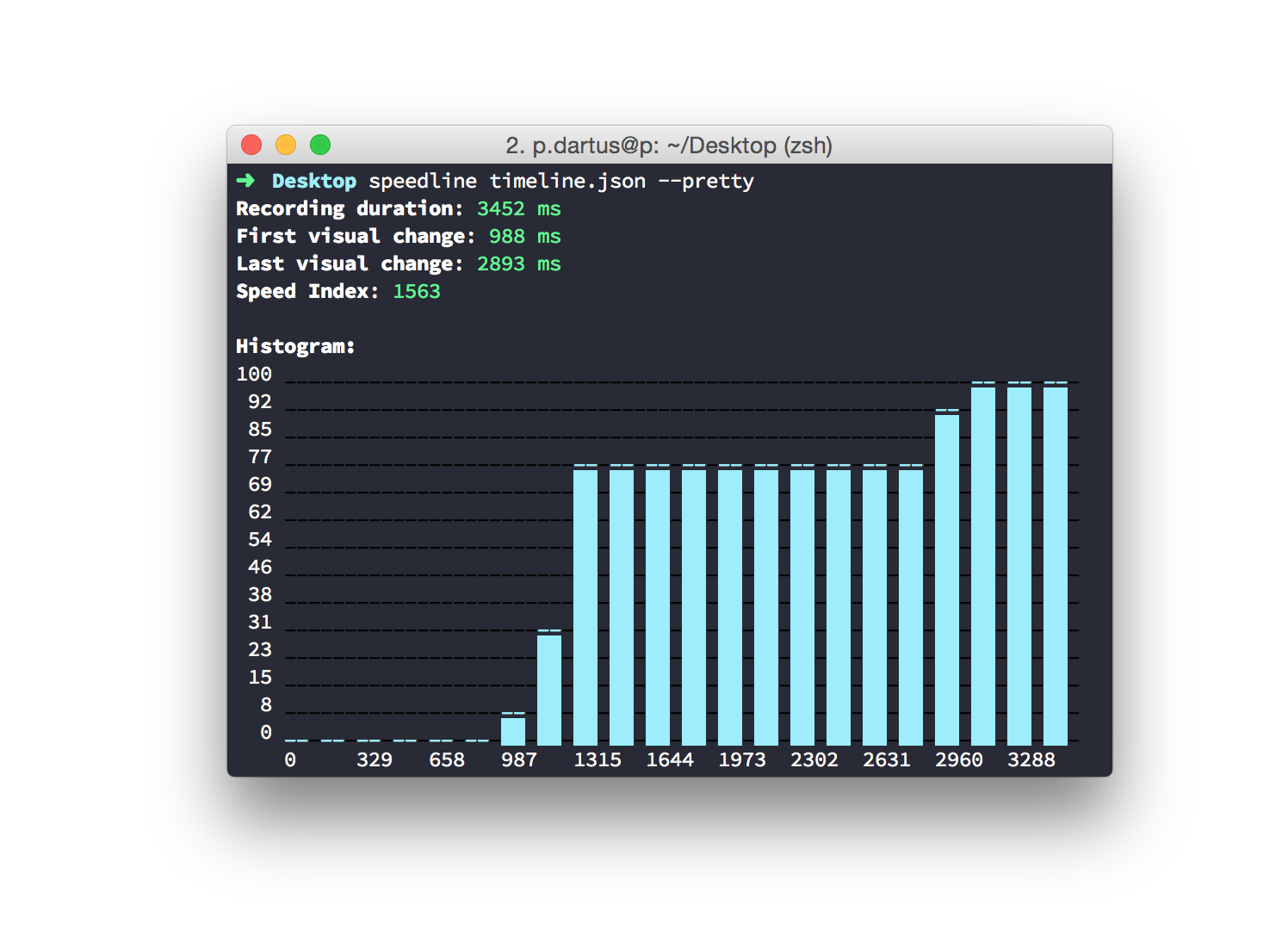
By default the CLI will output the same output as visual metrics. You can use the --pretty option if you want to have the histogram.
The repo is split into CLI and core. The core dependencies are duplicated in both package.json files. It is what it is.
To install:
yarn && yarn install-all
Releasing
Releasing both CLI and core:
yarn version # and bump appropriately# update the version in core/package.jsongit commit --amend --all # to amend into the tagged commitnpm publishcd core && npm publishgit push