It is used to tell whether to draw a vertical line. This callback is called for each vertical border of the table.
If the table has n columns, then the index parameter is alternatively received all numbers in range [0, n] inclusively.
It is used to tell whether to draw a horizontal line. This callback is called for each horizontal border of the table.
If the table has n rows, then the index parameter is alternatively received all numbers in range [0, n] inclusively.
If the table has n rows and contains the header, then the range will be [0, n+1] inclusively.
╔═══╤═══╤═══╤═══╗║ A │ │ │ D ║║ │ B │ │ E ║║ │ │ C │ F ║╚═══╧═══╧═══╧═══╝
config.columns[*].paddingLeft
Type: number
Default: 1
The number of whitespaces used to pad the content on the left.
config.columns[*].paddingRight
Type: number
Default: 1
The number of whitespaces used to pad the content on the right.
The paddingLeft and paddingRight options do not count on the column width. So the column has width = 5, paddingLeft = 2 and paddingRight = 2 will have the total width is 9.
The number of characters is which the content will be truncated.
To handle a content that overflows the container width, table package implements text wrapping. However, sometimes you may want to truncate content that is too long to be displayed in the table.
const data = [ ['Lorem ipsum dolor sit amet, consectetur adipiscing elit. Phasellus pulvinar nibh sed mauris convallis dapibus. Nunc venenatis tempus nulla sit amet viverra.']];const config = { columns: [ { width: 20, truncate: 100 } ]};console.log(table(data, config));
╔══════════════════════╗║ Lorem ipsum dolor si ║║ t amet, consectetur ║║ adipiscing elit. Pha ║║ sellus pulvinar nibh ║║ sed mauris convall… ║╚══════════════════════╝
config.columns[*].wrapWord
Type: boolean
Default: false
The table package implements auto text wrapping, i.e., text that has the width greater than the container width will be separated into multiple lines at the nearest space or one of the special characters: \|/_.,;-.
When wrapWord is false:
const data = [ ['Lorem ipsum dolor sit amet, consectetur adipiscing elit. Phasellus pulvinar nibh sed mauris convallis dapibus. Nunc venenatis tempus nulla sit amet viverra.']];const config = { columns: [ { width: 20 } ]};console.log(table(data, config));
╔══════════════════════╗║ Lorem ipsum dolor si ║║ t amet, consectetur ║║ adipiscing elit. Pha ║║ sellus pulvinar nibh ║║ sed mauris convallis ║║ dapibus. Nunc venena ║║ tis tempus nulla sit ║║ amet viverra. ║╚══════════════════════╝
When wrapWord is true:
╔══════════════════════╗║ Lorem ipsum dolor ║║ sit amet, ║║ consectetur ║║ adipiscing elit. ║║ Phasellus pulvinar ║║ nibh sed mauris ║║ convallis dapibus. ║║ Nunc venenatis ║║ tempus nulla sit ║║ amet viverra. ║╚══════════════════════╝
config.columnDefault
Type: Column
Default: {}
The default configuration for all columns. Column-specific settings will overwrite the default values.
config.header
Type: object
Header configuration.
Deprecated in favor of the new spanning cells API.
The header configuration inherits the most of the column's, except:
content{string}: the header content.
width: calculate based on the content width automatically.
alignment:center be default.
verticalAlignment: is not supported.
config.border.topJoin will be config.border.topBody for prettier.
const data = [ ['0A', '0B', '0C'], ['1A', '1B', '1C'], ['2A', '2B', '2C'], ];const config = { columnDefault: { width: 10, }, header: { alignment: 'center', content: 'THE HEADER\nThis is the table about something', },}console.log(table(data, config));
╔══════════════════════════════════════╗║ THE HEADER ║║ This is the table about something ║╟────────────┬────────────┬────────────╢║ 0A │ 0B │ 0C ║╟────────────┼────────────┼────────────╢║ 1A │ 1B │ 1C ║╟────────────┼────────────┼────────────╢║ 2A │ 2B │ 2C ║╚════════════╧════════════╧════════════╝
config.spanningCells
Type: SpanningCellConfig[]
Spanning cells configuration.
The configuration should be straightforward: just specify an array of minimal cell configurations including the position of top-left cell
and the number of columns and/or rows will be expanded from it.
The content of overlap cells will be ignored to make the data shape be consistent.
By default, the configuration of column that the top-left cell belongs to will be applied to the whole spanning cell, except:
The width will be summed up of all spanning columns.
The paddingRight will be received from the right-most column intentionally.
Advances customized column-like styles can be configurable to each spanning cell to overwrite the default behavior.
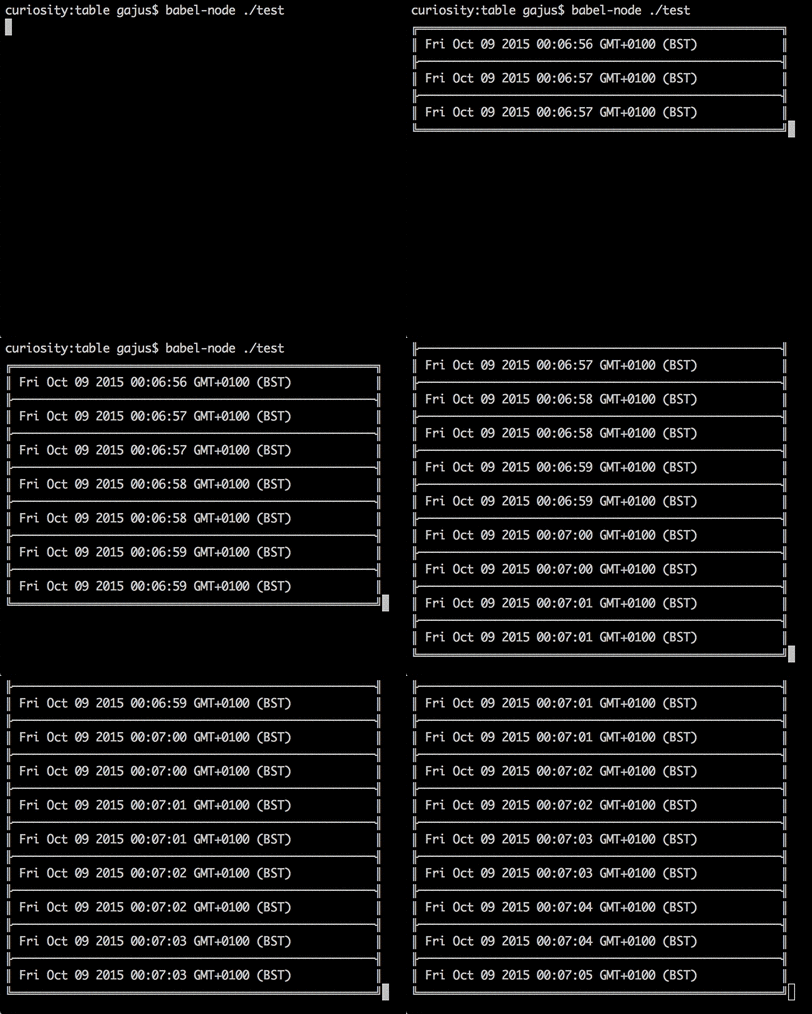
The cursor stays at the end of the table after each row, so that the next row can replace the bottom border. Call stream.end() after the last row to move the cursor below the table, so that whatever is printed next does not overwrite it. A stream cannot be written to after it has ended.
const stream = createStream(config);for (const row of rows) { stream.write(row);}stream.end();
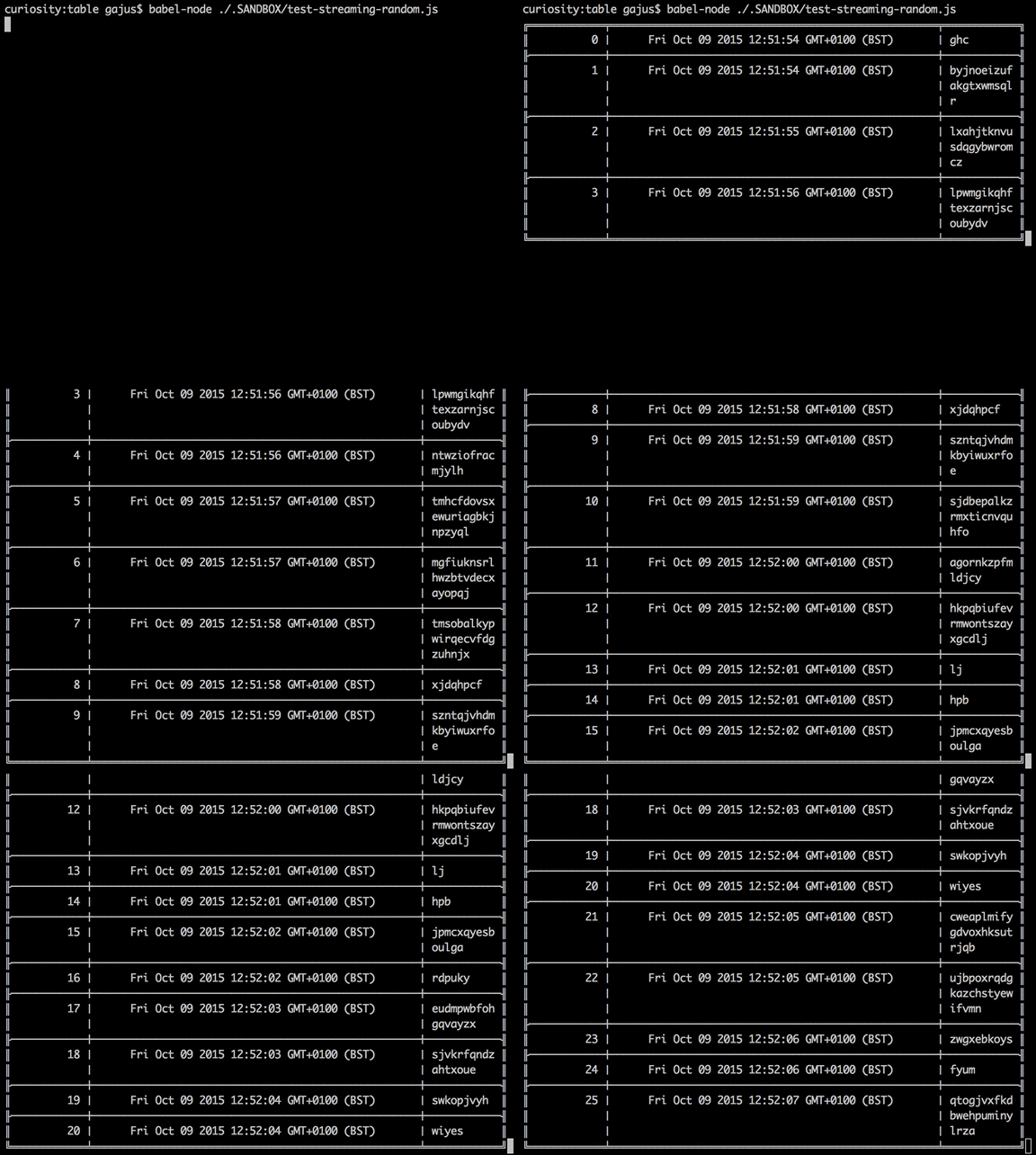
Streaming supports all of the configuration properties and functionality of a static table (such as auto text wrapping, alignment and padding), e.g.