A library for building tiny and beautiful command line apps.
Features
At a high level this package provides:
A tiny library, that has no third-party dependencies, that can be bundled, for great startup performance.
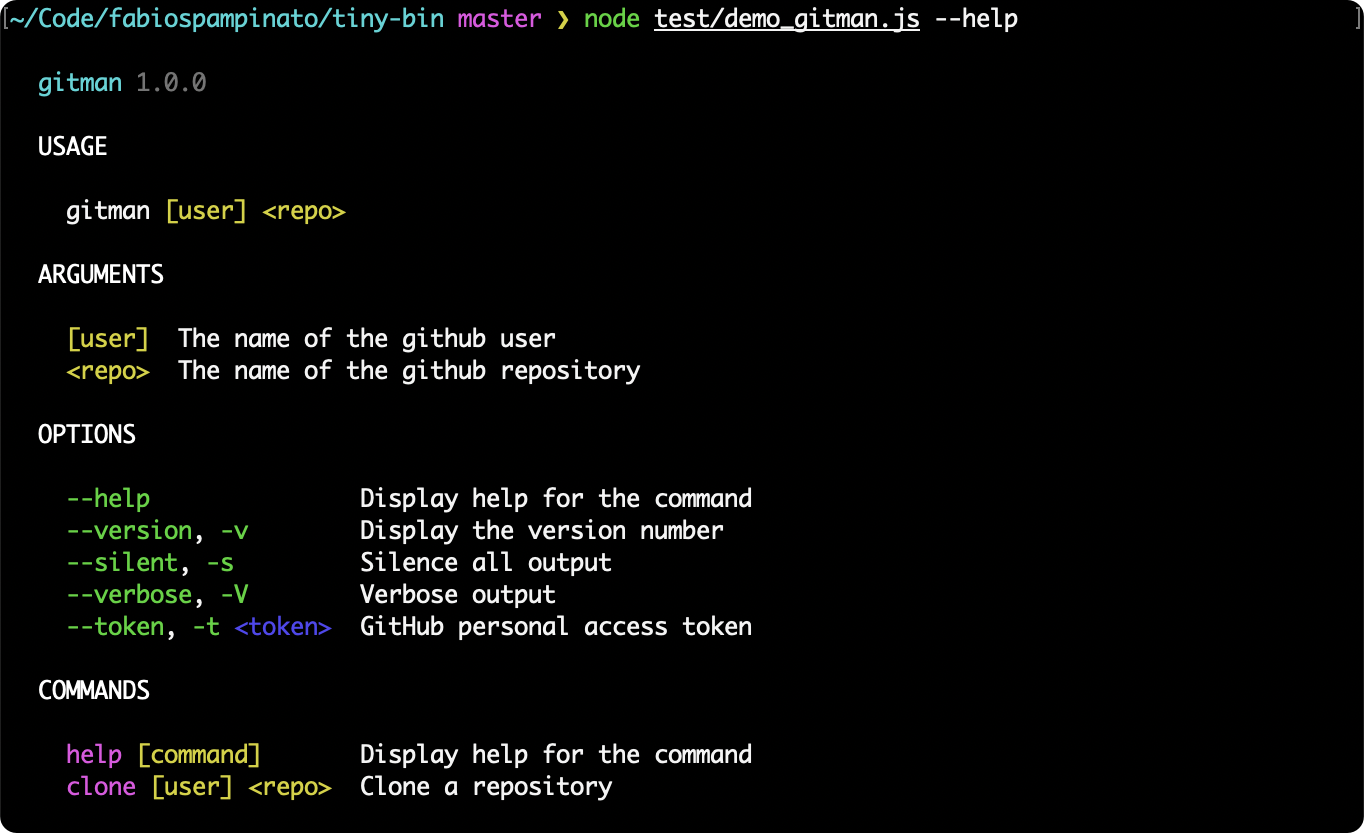
Beautiful colored and detailed help pages. Colors can be turned off also.
Automatic package name and version detection, so you don't even need to provide those.
Automatic typo detection, it will suggest the closest command/option if you mistype one.
Automatic options type inference from the provided options.
Automatic help and --help handling, both for the bin and for each command.
Automatic --version and -v handling.
Automatic --no-color and --no-colors handling.
This library has 5 primitives -- bins, commands, options, arguments and actions:
Bin:
A bin is the entry point of your command line app, you can define multiple bins.
Each bin has a name, a description, and a few built-in commands (default, help, version).
Each bin can have multiple custom commands.
The action for the default command is customizable.
Command:
A command is the function that will be executed when running your bin.
Each command has a name, a description, and an automatically generated usage example.
Each command can optional have a section, which will be used to group commands in the help page.
Each command can optionally be hidden from the help page.
Each command can optionally have custom usage examples.
Each command can have multiple options.
Each command can have multiple arguments.
Each command has an action, which is your actual function that will called by the command.
Option:
An option is a flag that can be passed to your command.
Each option has a name, a description, and an implicit type (boolean or string).
Each option can optional have a section, which will be used to group options in the help page.
Each option can optionally be hidden from the help page.
Each option can optionally be marked as deprecated, causing it to be dimmed in the help page.
Each option can optionally be marked as eager, so it will consume multiple consecutive values.
Each option can optionally be marked as incompatible with some others.
Each option can optionally be marked as required, so the library will error if it's not provided.
Each option can optionally be marked as explicitly overriding a previously defined option.
Each option can optionally have a default value.
Each option can optionally have an explicit list of allowed values.
Each option can have multiple longhands (e.g. --foo) and multiple shorthands (e.g. -f).
Each provided longhand and shorthand for an option is automatically aliased to all the others.
Each non-boolean option must receive at least one value.
Each variadic option can receive multiple values (e.g. <values...>).
Argument:
An argument is a value that can be passed to your command.
Each argument has a name and a description.
Each argument can be marked as required, so the library will error if it's not provided.
Each variadic argument (e.g. <args...>) can receive multiple values.
Action:
An action is the function that will be called when running your command.
It will receive the following arguments:
The options object, containing all options for which the library has a value.
The arguments array, contaning an array of strings passed to your command.
The passthrough arguments array, containing an array of strings passed to your command after the special -- separator.
Install
npm install tiny-bin
Usage
import bin from 'tiny-bin';bin ( 'gitman', 'A simple yet powerful opinionated tool for managing repositories' ) /* BIN CONFIGURATION */ .config ({ package: '@fabiospampinato/gitman', // Manually set the package name version: '1.2.3', // Manually set the version number colors: false, // Turn off colored output autoExit: false // Turn off the automatic process.exit call after action execution }) /* GLOBAL COMMAND OPTIONS */ .option ( '--silent, -s', 'Silence all output' ) .option ( '--verbose, -V', 'Verbose output' ) .option ( '--provider, -p <provider>'