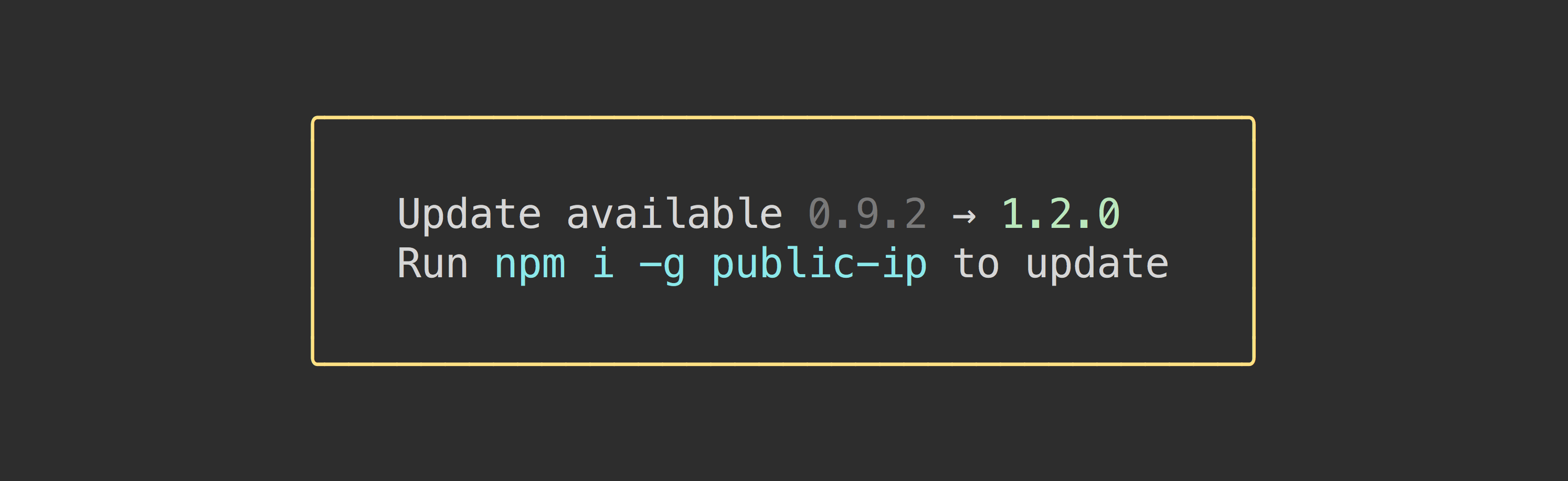
import updateNotifier from 'update-notifier';import packageJson from './package.json' assert {type: 'json'};updateNotifier({pkg: packageJson}).notify();
Advanced
import updateNotifier from 'update-notifier';import packageJson from './package.json' assert {type: 'json'};// Checks for available update and returns an instanceconst notifier = updateNotifier({pkg: packageJson});// Notify using the built-in convenience methodnotifier.notify();// `notifier.update` contains some useful info about the updateconsole.log(notifier.update);/*{ latest: '1.0.1', current: '1.0.0', type: 'patch', // Possible values: latest, major, minor, patch, prerelease, build name: 'pageres'}*/
Whenever you initiate the update notifier and it's not within the interval threshold, it will asynchronously check with npm in the background for available updates, then persist the result. The next time the notifier is initiated, the result will be loaded into the .update property. This prevents any impact on your package startup performance.
The update check is done in an unref'ed child process. This means that if you call process.exit, the check will still be performed in its own process.
The first time the user runs your app, it will check for an update, and even if an update is available, it will wait the specified updateCheckInterval before notifying the user. This is done to not be annoying to the user, but might surprise you as an implementer if you're testing whether it works. Check out example.js to quickly test out update-notifier and see how you can test that it works in your app.
API
notifier = updateNotifier(options)
Checks if there is an available update. Accepts options defined below. Returns an instance with an .update property if there is an available update, otherwise undefined.
options
Type: object
pkg
Type: object
name
Required
Type: string
version
Required
Type: string
updateCheckInterval
Type: number
Default: 1000 * 60 * 60 * 24(1 day)
How often to check for updates.
shouldNotifyInNpmScript
Type: boolean
Default: false
Allows notification to be shown when running as an npm script.
Message that will be shown when an update is available.
Available placeholders:
{packageName} - Package name.
{currentVersion} - Current version.
{latestVersion} - Latest version.
{updateCommand} - Update command.
notifier.notify({message: 'Run `{updateCommand}` to update.'});// Output:// Run `npm install update-notifier-tester@1.0.0` to update.
isGlobal
Type: boolean
Default: Auto-detect
Include the -g argument in the default message's npm i recommendation. You may want to change this if your CLI package can be installed as a dependency of another project, and don't want to recommend a global installation. This option is ignored if you supply your own message (see above).
Users of your module have the ability to opt-out of the update notifier by changing the optOut property to true in ~/.config/configstore/update-notifier-[your-module-name].json. The path is available in notifier.config.path.
Users can also opt-out by setting the environment variableNO_UPDATE_NOTIFIER with any value or by using the --no-update-notifier flag on a per run basis.
in unit tests (when the NODE_ENV environment variable is test)
About
The idea for this module came from the desire to apply the browser update strategy to CLI tools, where everyone is always on the latest version. We first tried automatic updating, which we discovered wasn't popular. This is the second iteration of that idea, but limited to just update notifications.